Knowledge Article
How do I login to the ERP system
2
0
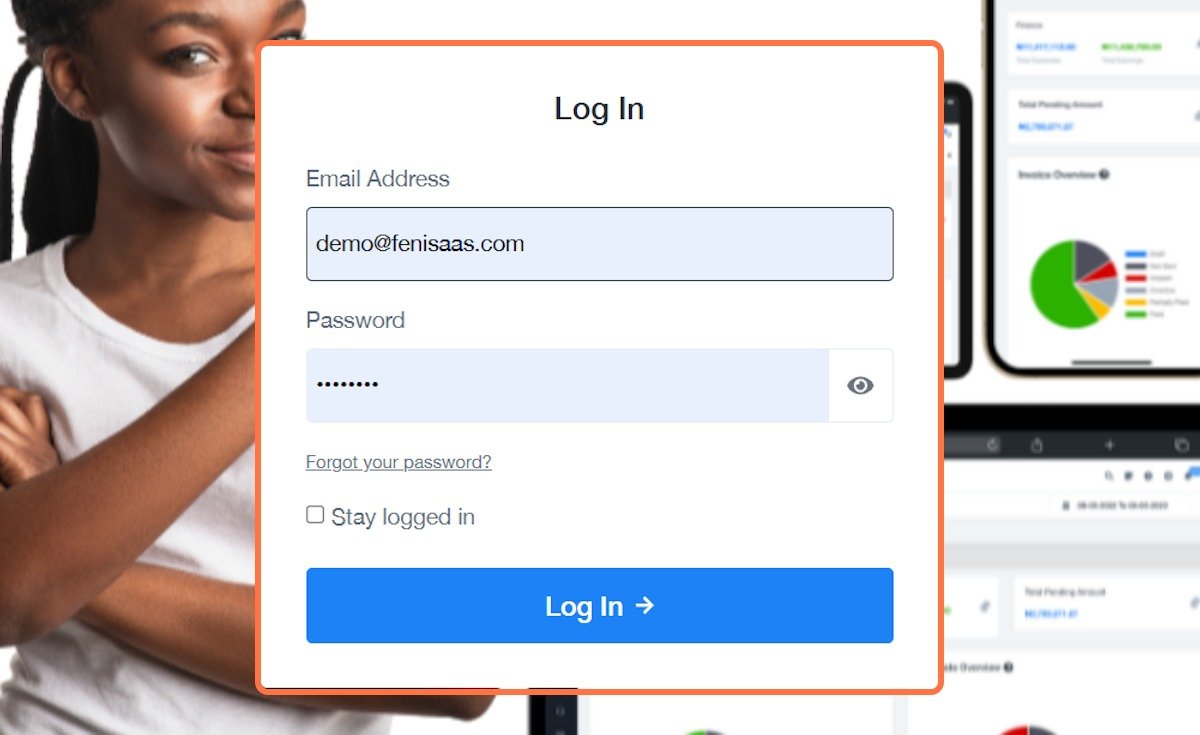
To access the ERP system, you need your company-provided login credentials. Start by opening the ERP login link (usually shared by your organization). Enter your username or email address along with your password, then click the login button.
Once logged in, you will be taken to your dashboard, which is your central workspace.
If you are logging in for the first time, you may be required to change your password or complete your profile details.
Logging in correctly ensures that all your activities in the system are recorded under your account.