Knowledge Article
How to Add Employee in HR Module in 925WorkSuite ERP
0
0
Overview
Adding employees is a core function of the HR module in 925WorkSuiteERP, the best and complete ERP solution for managing staff, payroll, and operations efficiently. This guide explains how to add new staff members into the system.
Steps to Add Employee
- Log in to your 925WorkSuiteERP dashboard
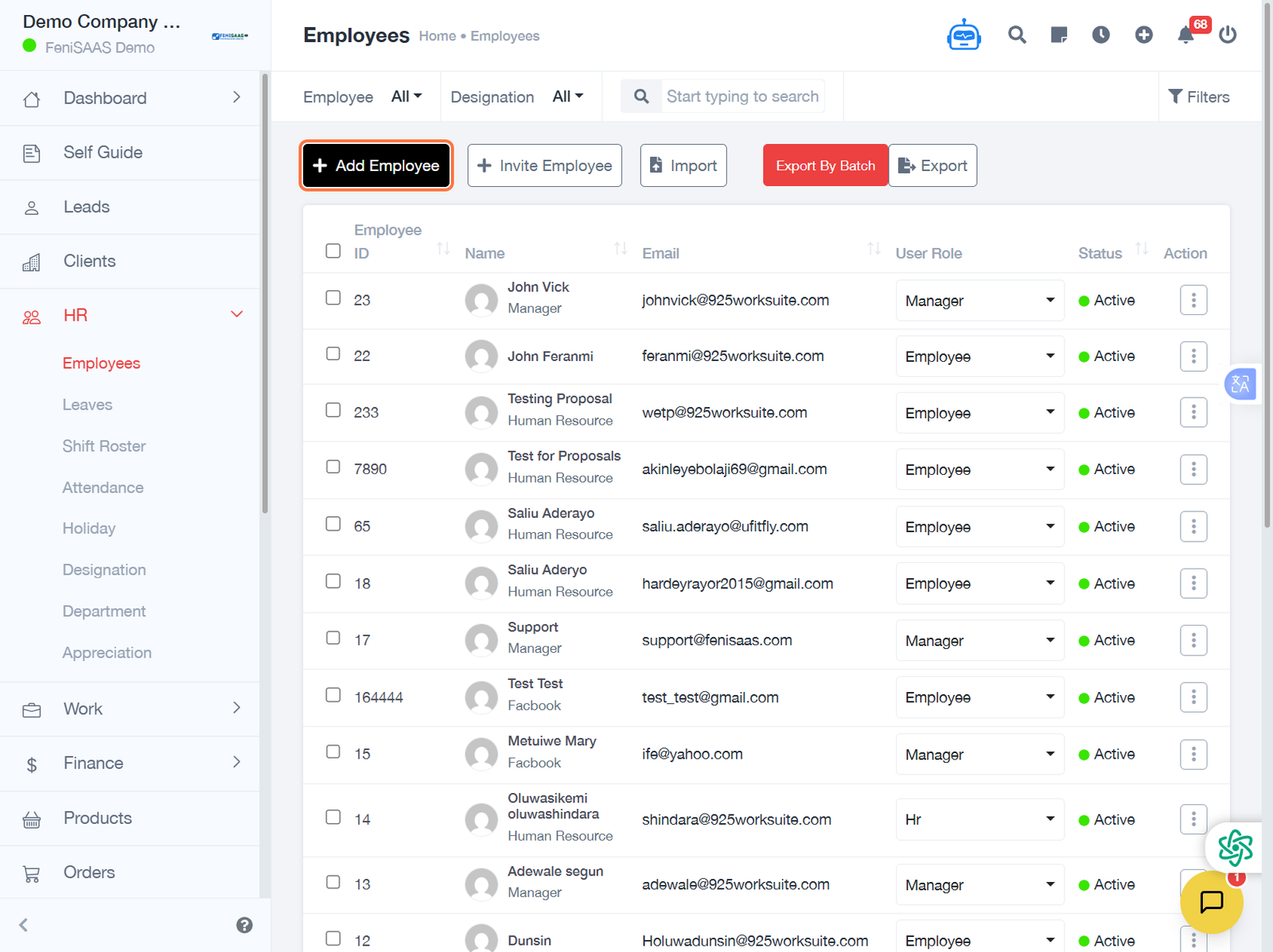
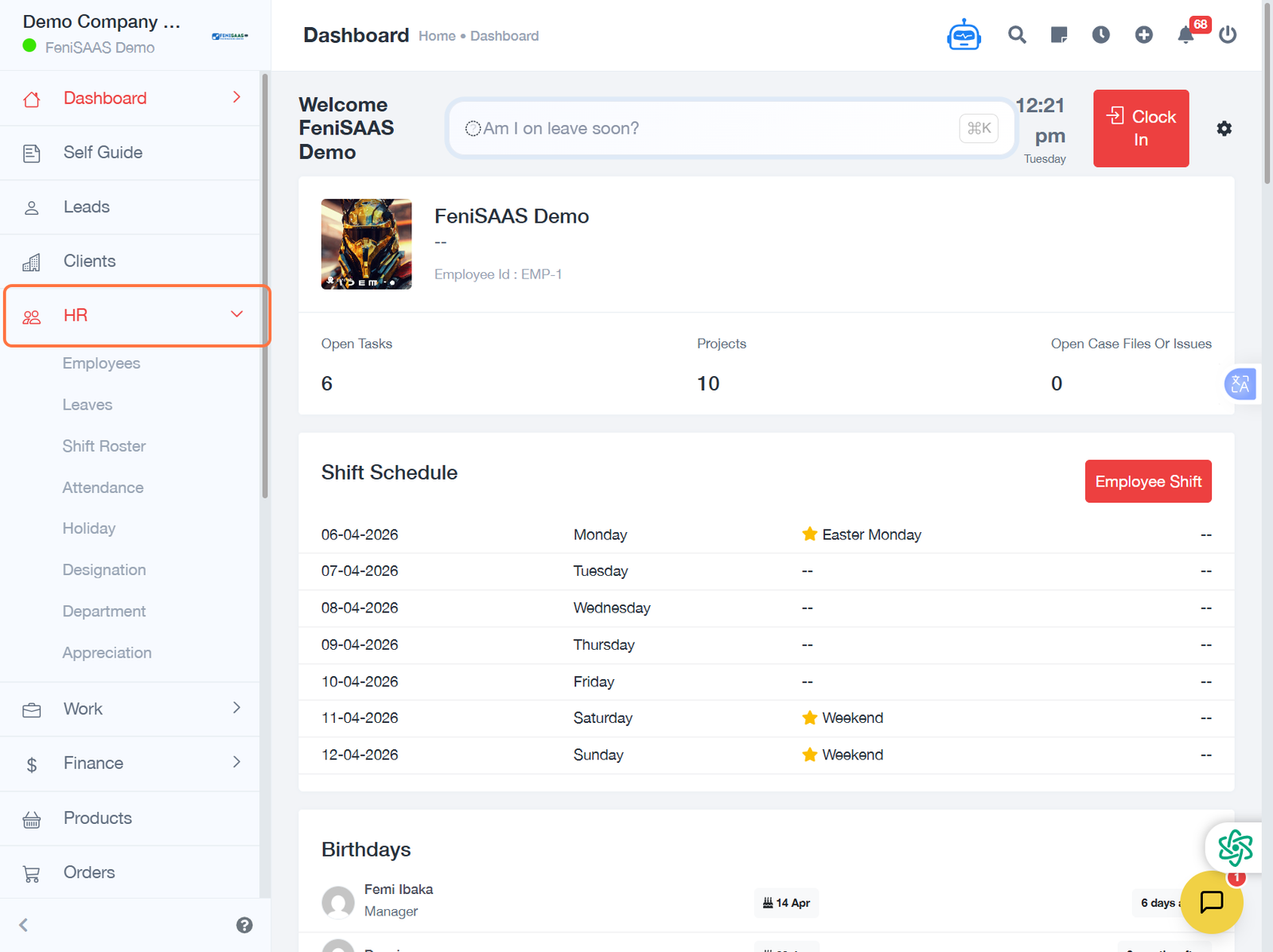
- Navigate to the HR Module
- Click on Staff Management / Employees
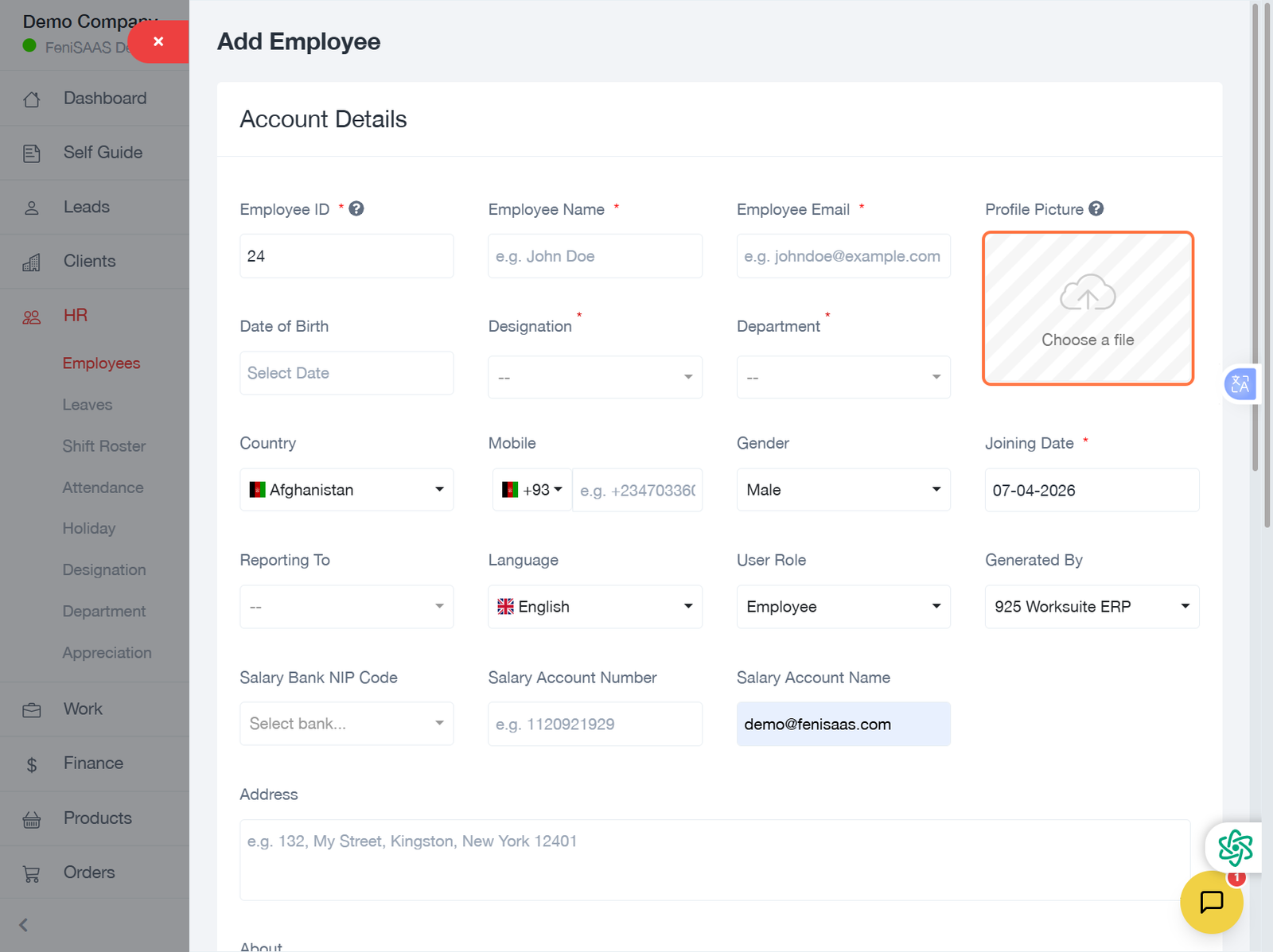
- Select Add Employee
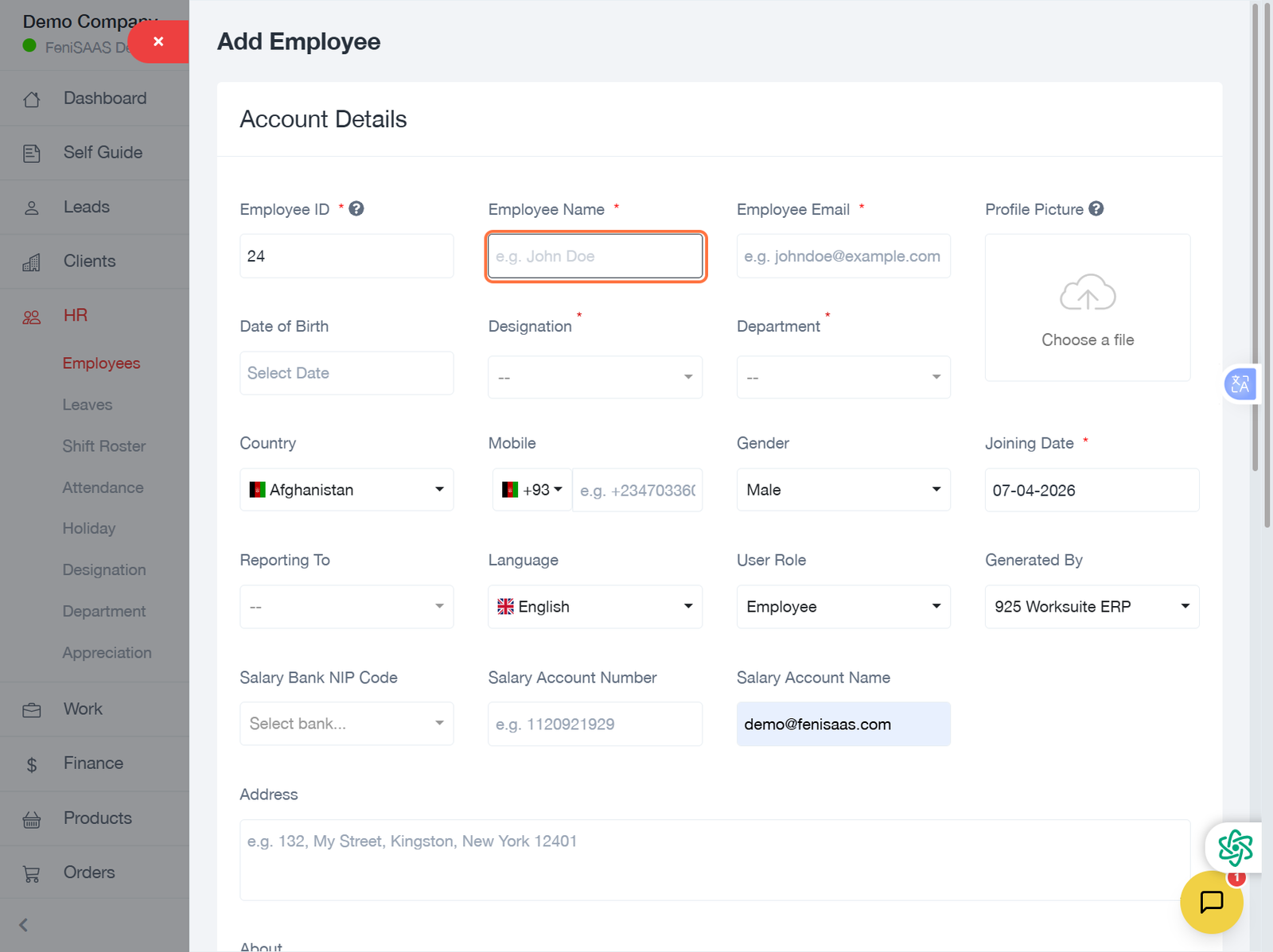
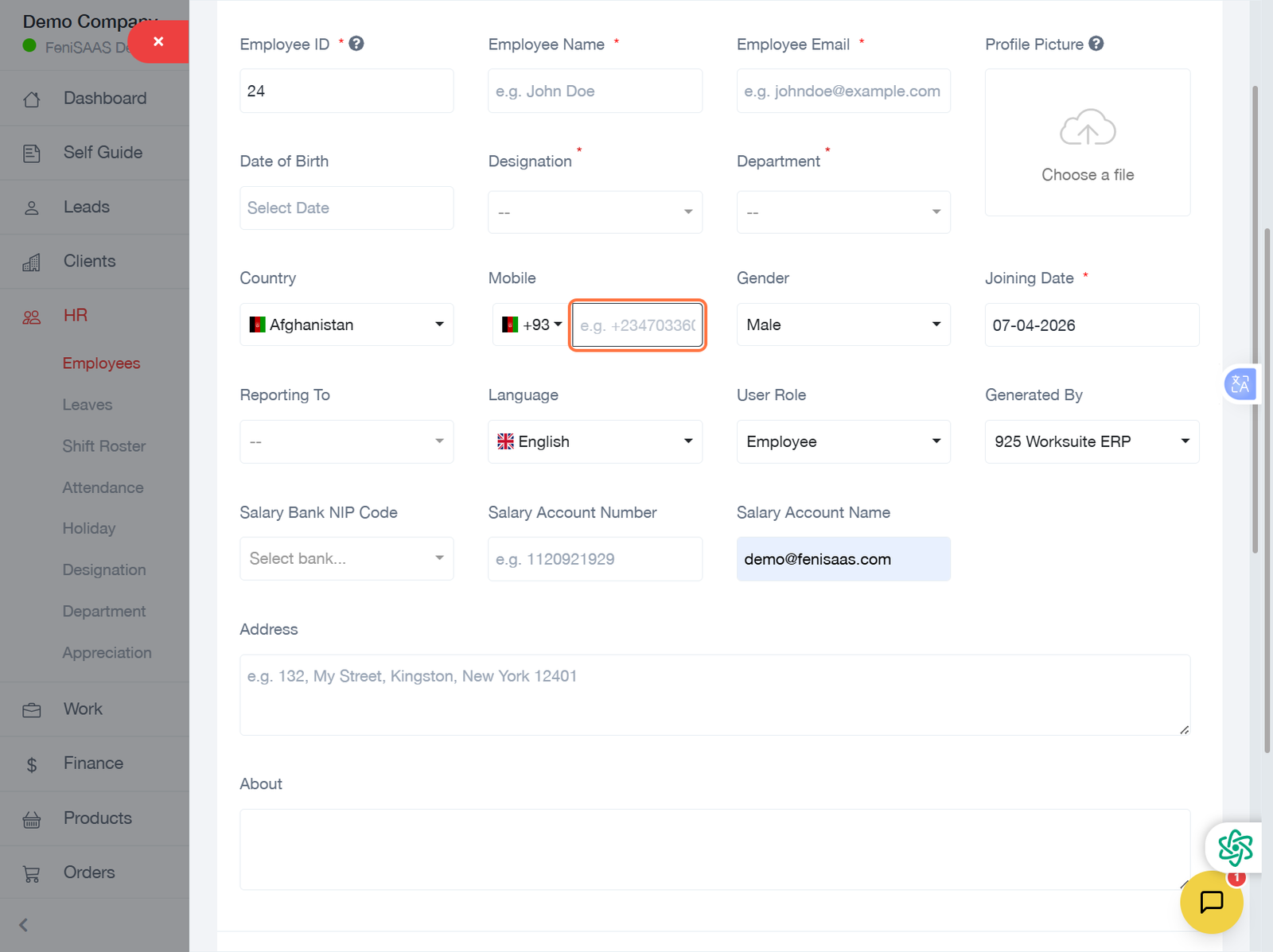
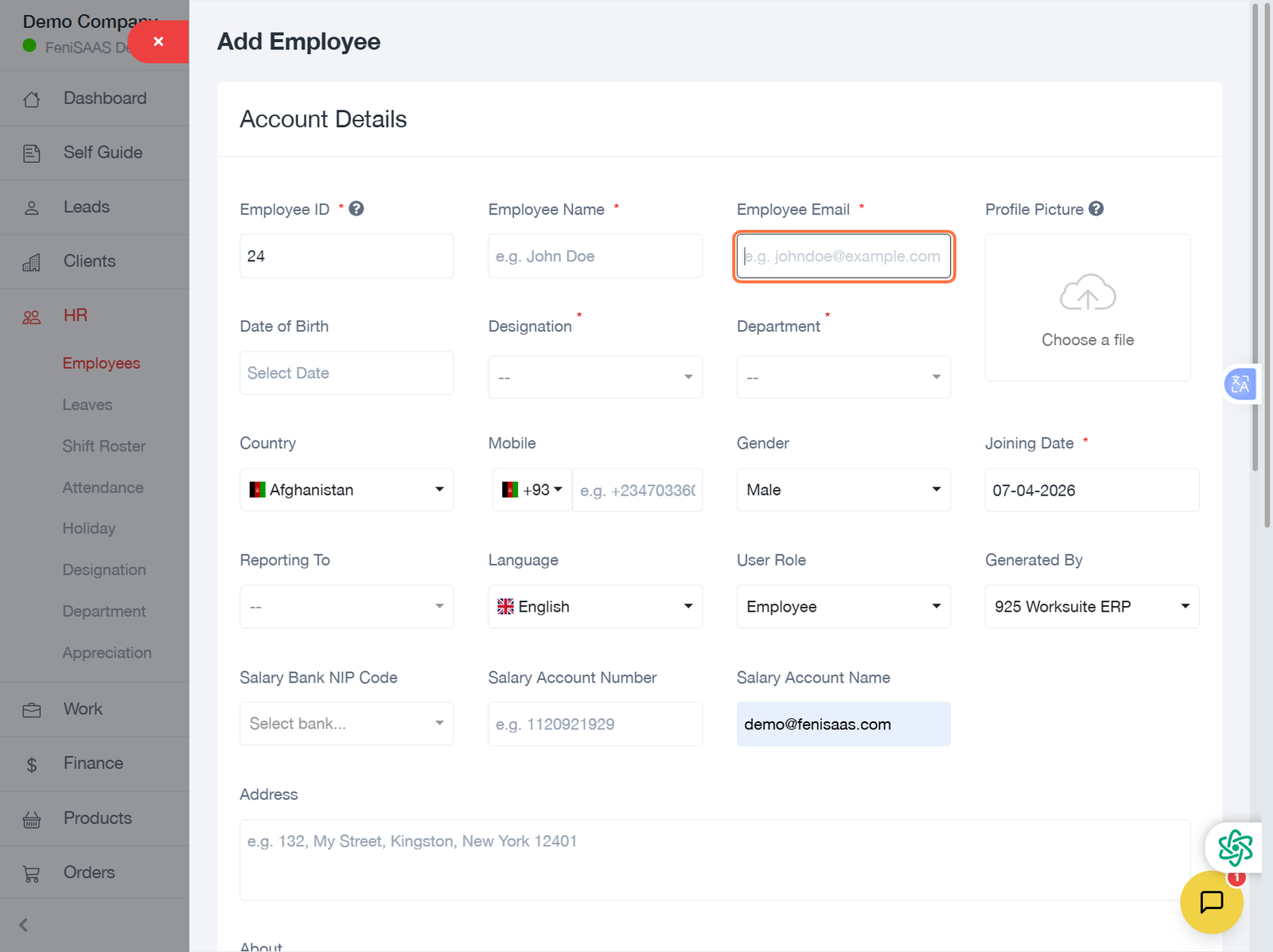
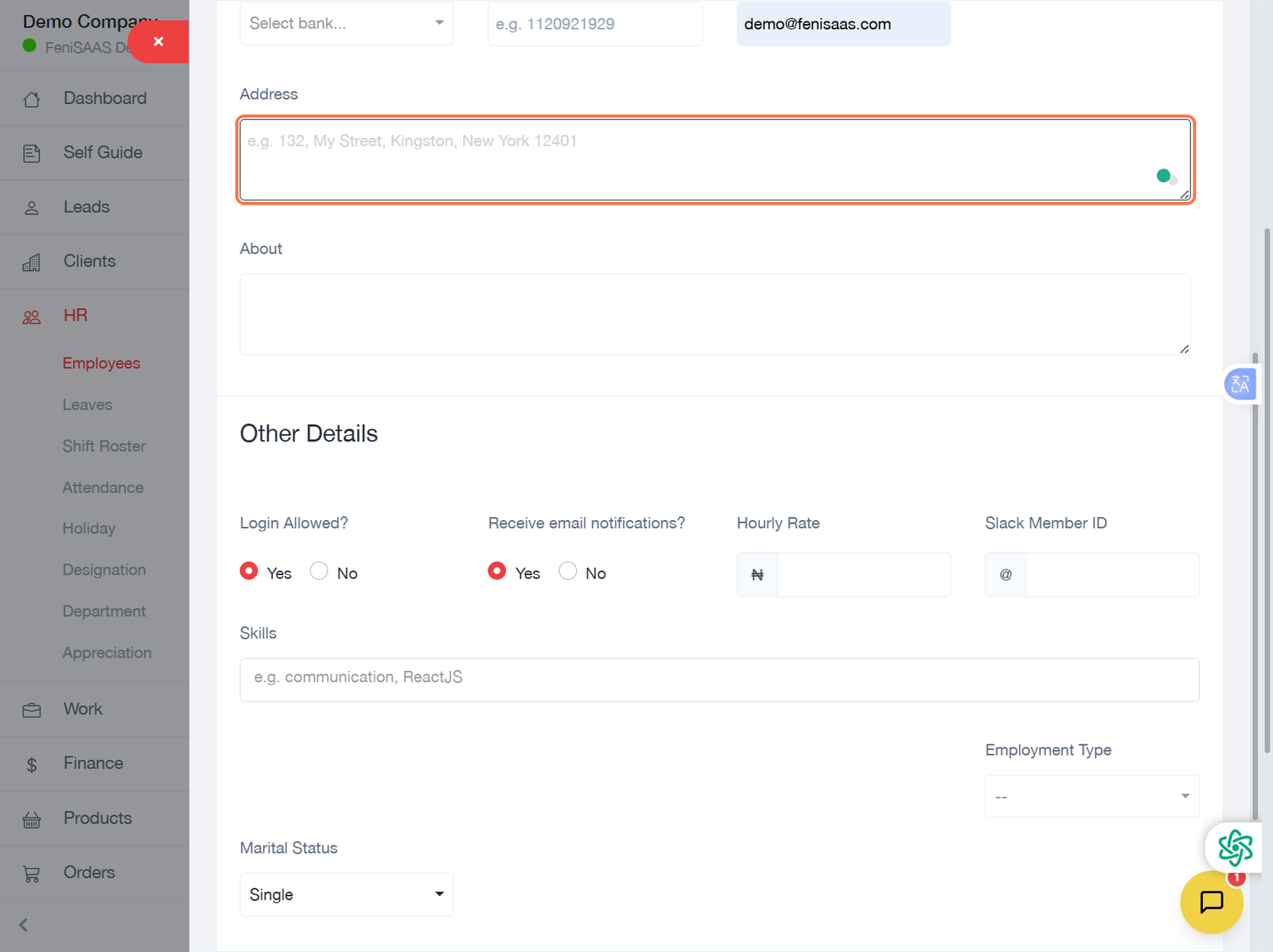
- Fill in employee details (name, email, phone, department, role, etc.)
- Assign appropriate roles and permissions
- Upload documents if required
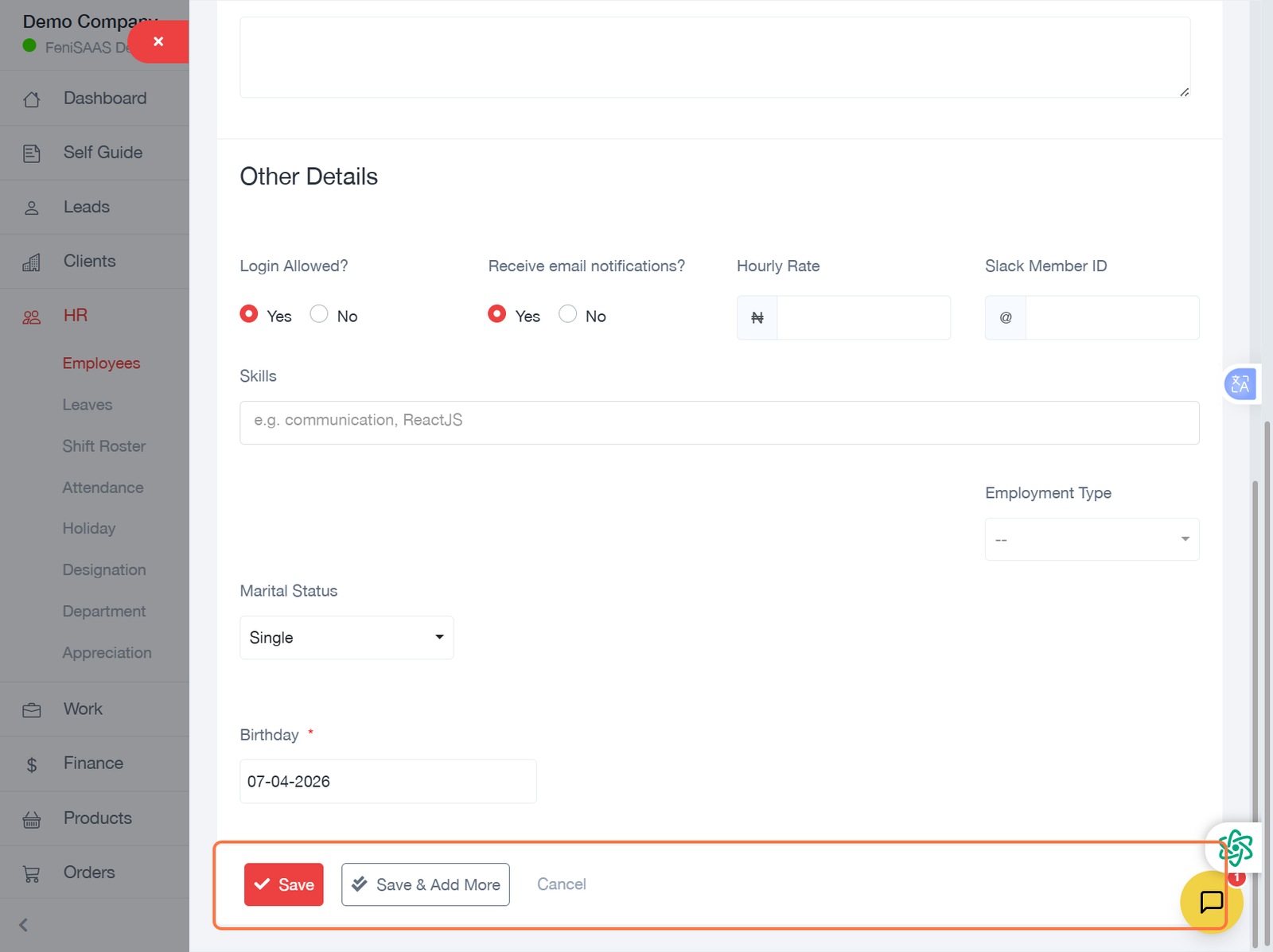
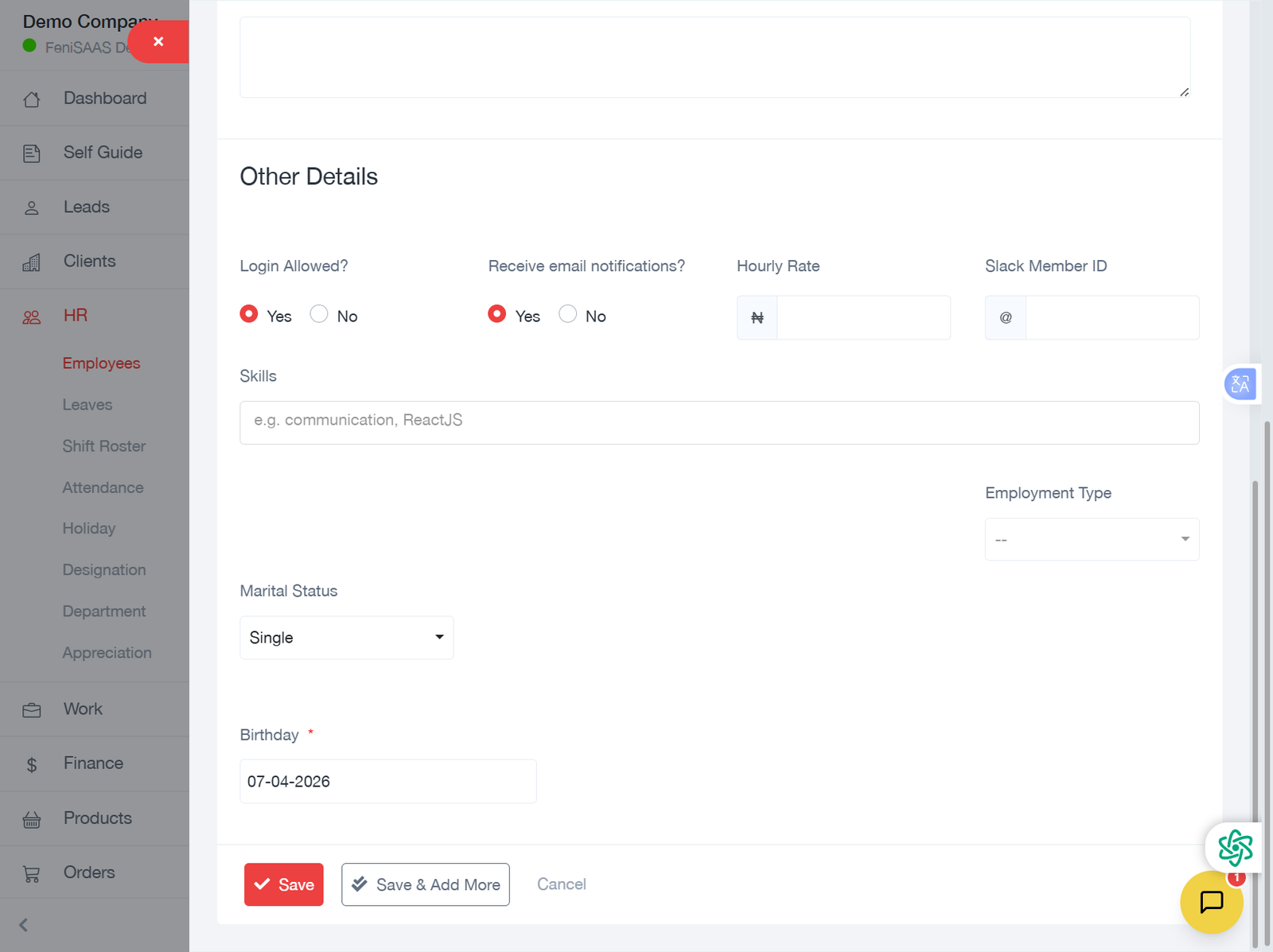
- Click Save to complete
Result
The employee will be successfully added and visible in the staff list, ready for further management such as attendance, payroll, and task assignment.
Tips
- Always verify employee details before saving
- Assign roles based on job function
- Keep records updated for accurate reporting
Related Articles
- How to Assign Roles to Employees
- How to Track Employee Attendance
- How to Process Payroll