How to Log in to Your Dashboard 925worksuite ERP
Overview
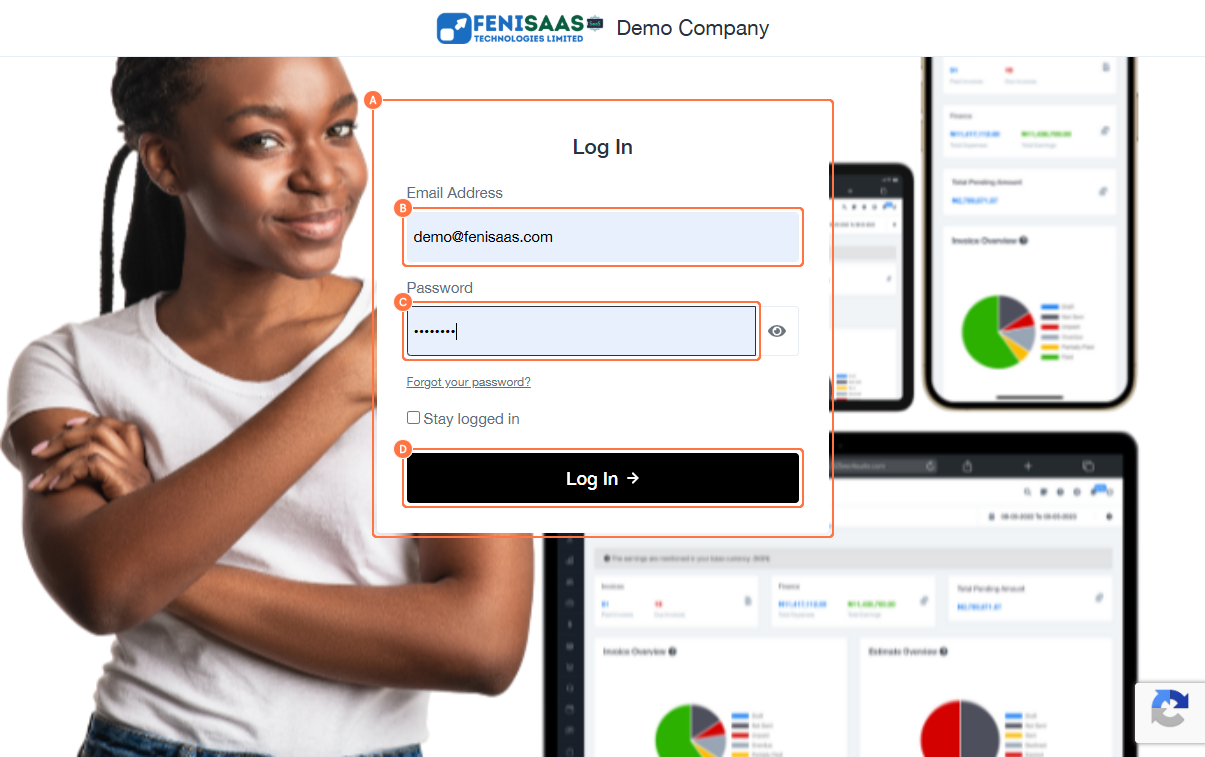
This guide explains how to log in to your dashboard on the 925worksuite ERP platform. It helps users access the system using their email address and password.
Steps
- Go to your Company login URL page:
- Click on the Email Address field
- Enter your registered email address
- Click on the Password field
- Enter your password
- Click on the Log In button
Expected Result
You will be successfully logged into your account dashboard.
Common Errors
• Incorrect email or password
• Empty email or password field
• Network or server connection issues
• Account not registered or inactive
FAQs
• How do I log in to 925worksuite?
Enter your email and password on the login page and click Log In.
• What should I do if I forget my password?
Use the “Forgot Password” option on the login page to reset it.
• Why can’t I log into my account?
Check if your login details are correct or if your account is active.
• Can I access the demo account on mobile?
Yes, the platform can be accessed via a mobile browser.