How to Reset Your Password in 925worksuite ERP
Overview
This guide explains how to request a password reset for your account on the 925worksuite ERP platform. It helps users regain access if they forget their login password.
Steps
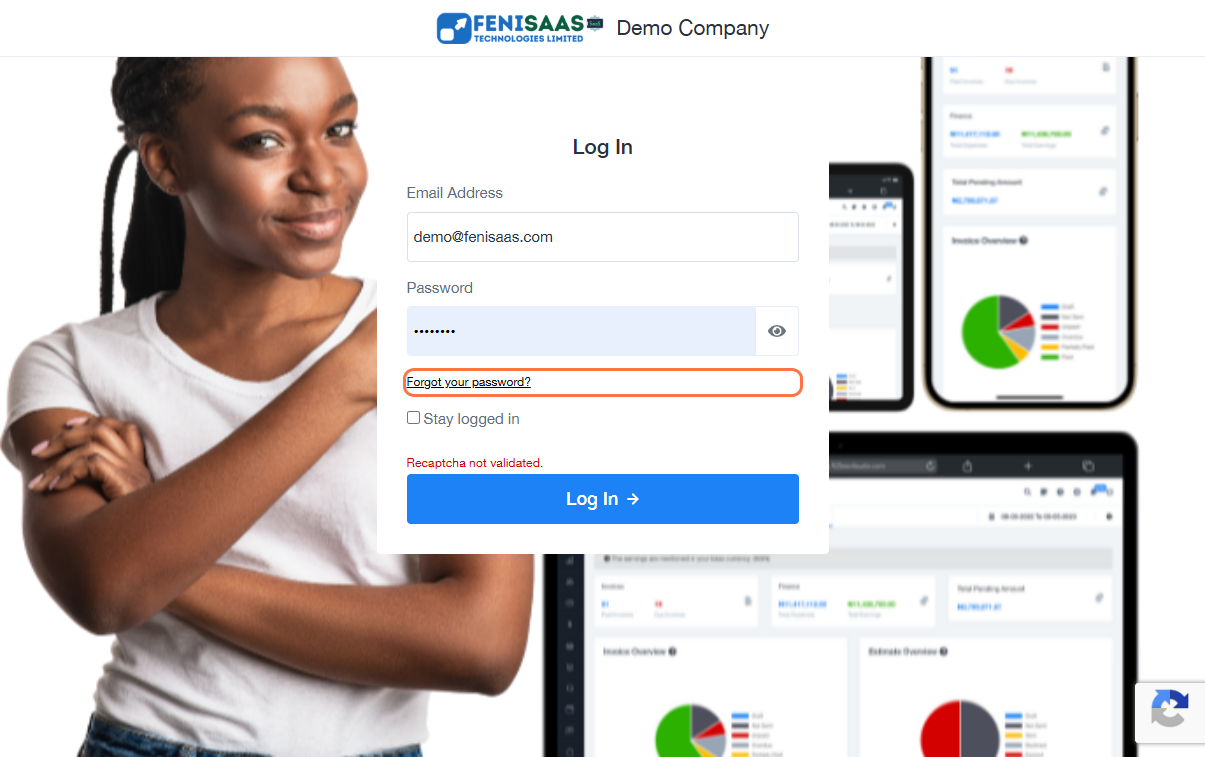
- Go to the login page
- Click on Forgot your password?
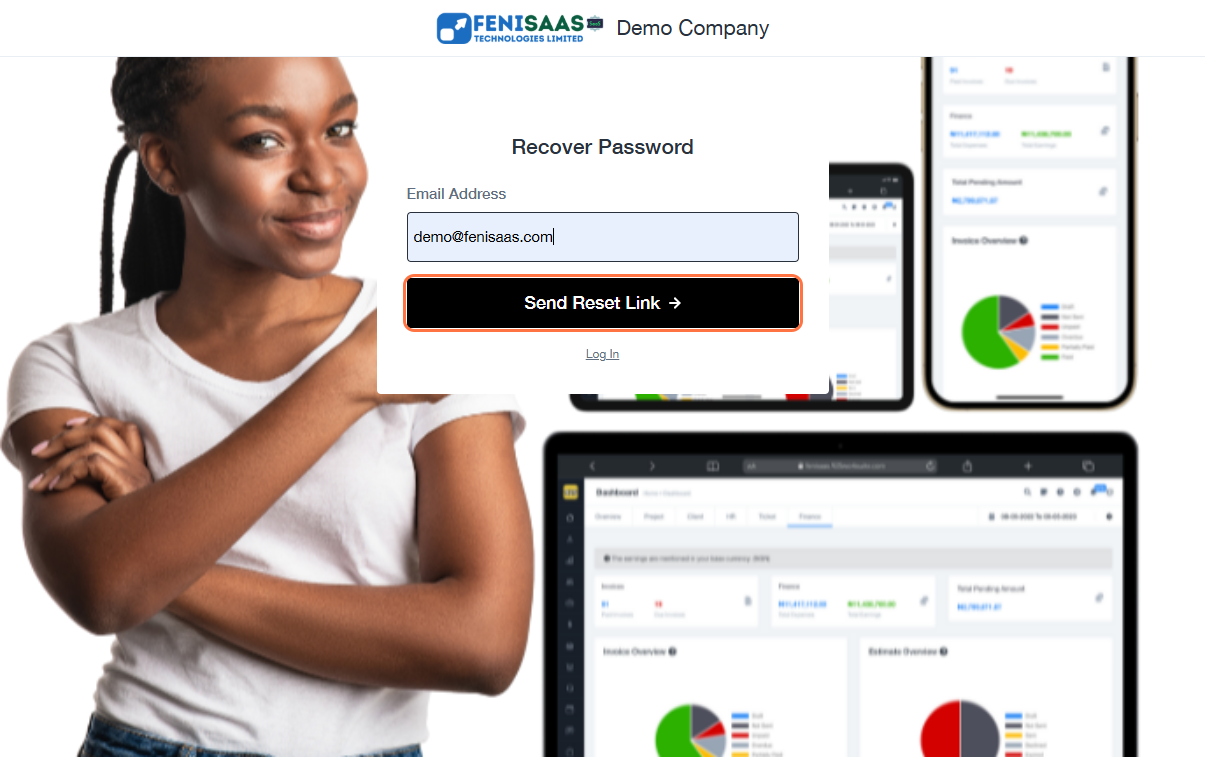
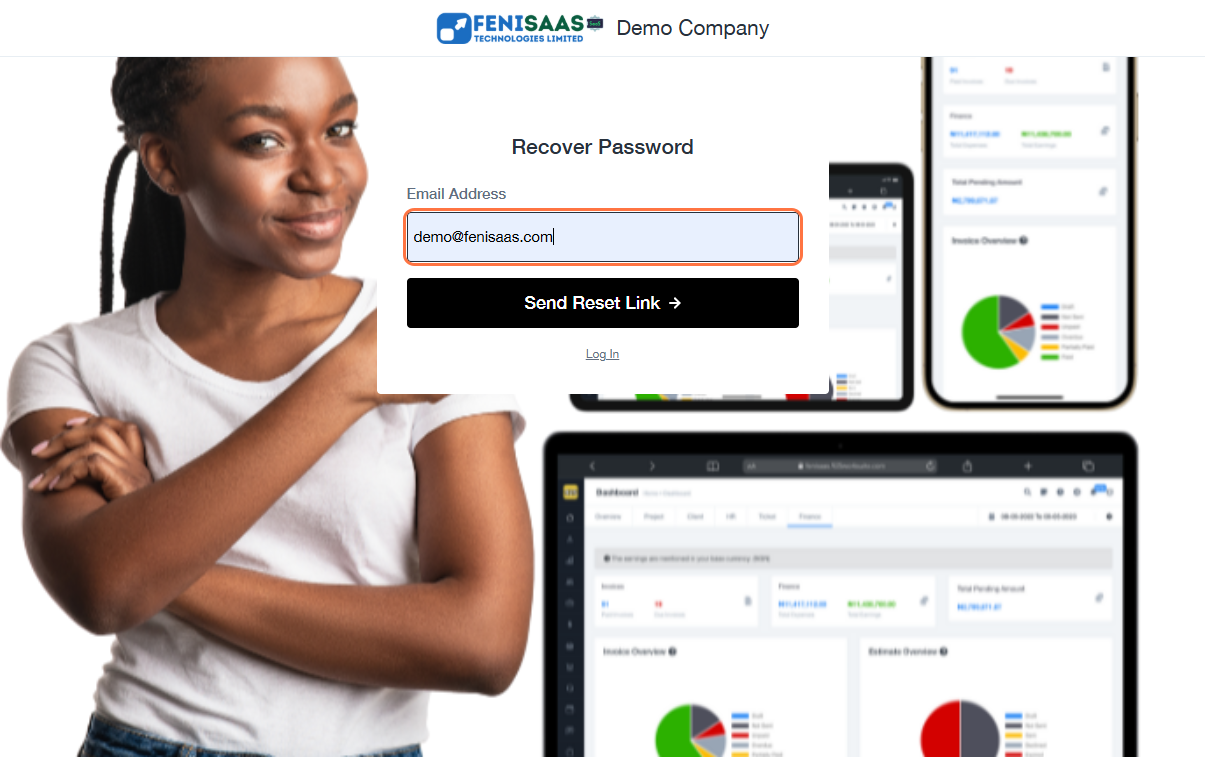
- Enter your Email Address
- Click on Send Reset Link
- Check your email inbox
- Open the reset link and create a new password
Expected Result
A password reset link will be sent to your email, allowing you to create a new password and regain access to your account.
Common Errors
• Email address not registered
• Not receiving reset email (check spam/junk folder)
• Expired reset link
• Incorrect email entered
FAQs
• How do I reset my password on 925worksuite?
Click “Forgot your password?”, enter your email, and use the reset link sent to your inbox.
• Why didn’t I receive the password reset email?
Check your spam folder or confirm you entered the correct email.
• How long does the reset link last?
Reset links may expire after some time for security reasons.
• Can I reset my password without email access?
No, you need access to your registered email to reset your password