How to Assign User Roles and Permissions
Overview
This guide explains how to create and manage user roles and assign permissions in 925worksuite ERP. It helps administrators control access levels for different users across modules.
Steps
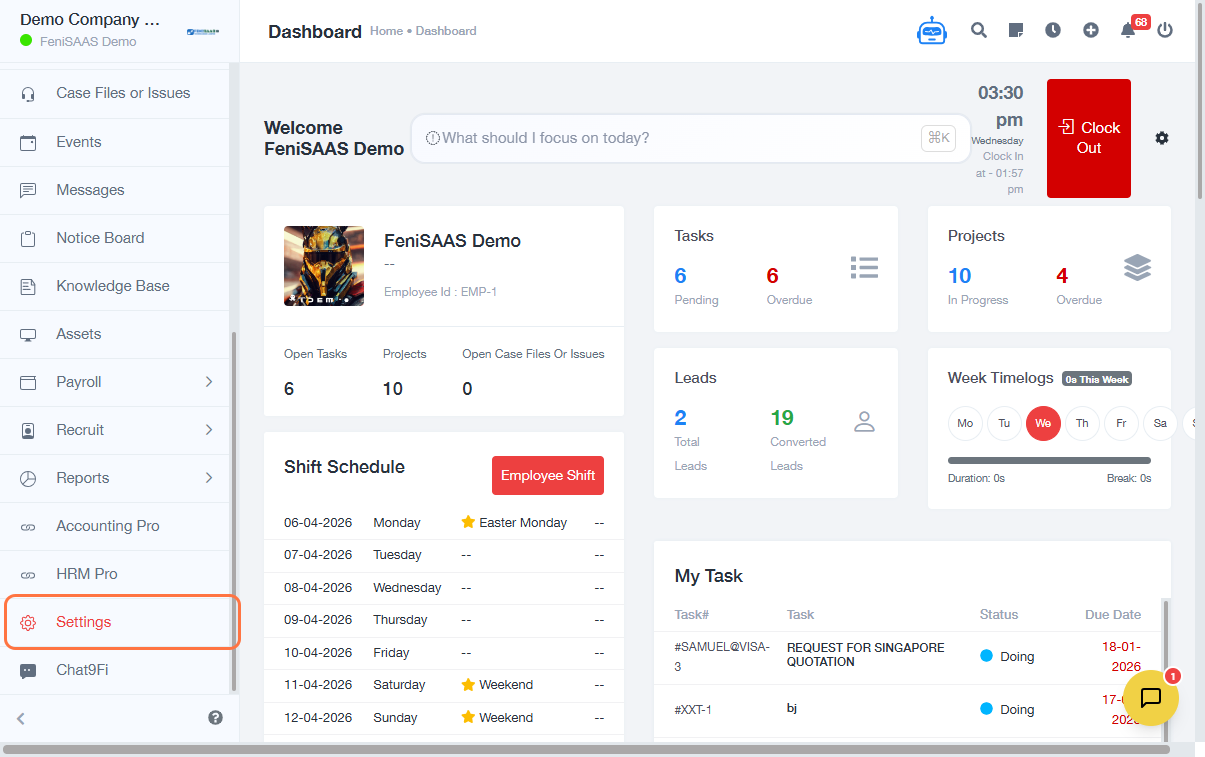
- Go to the Dashboard
- Click on Settings
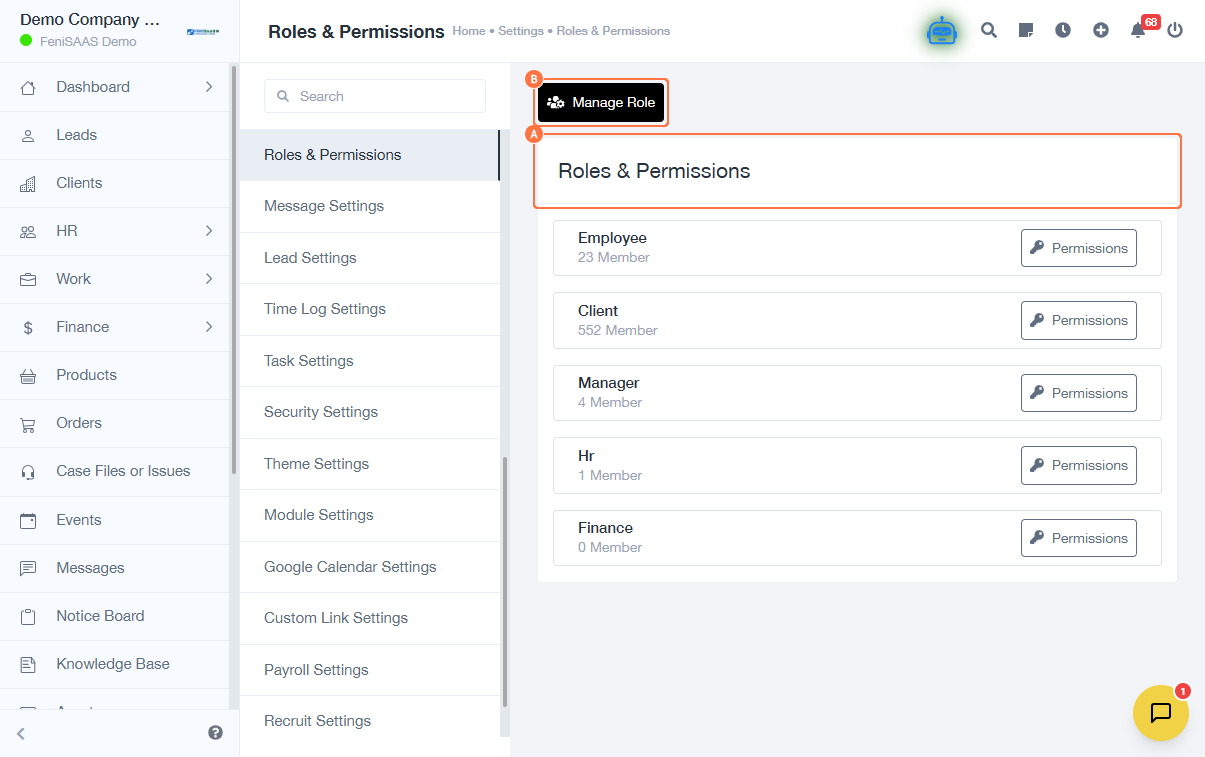
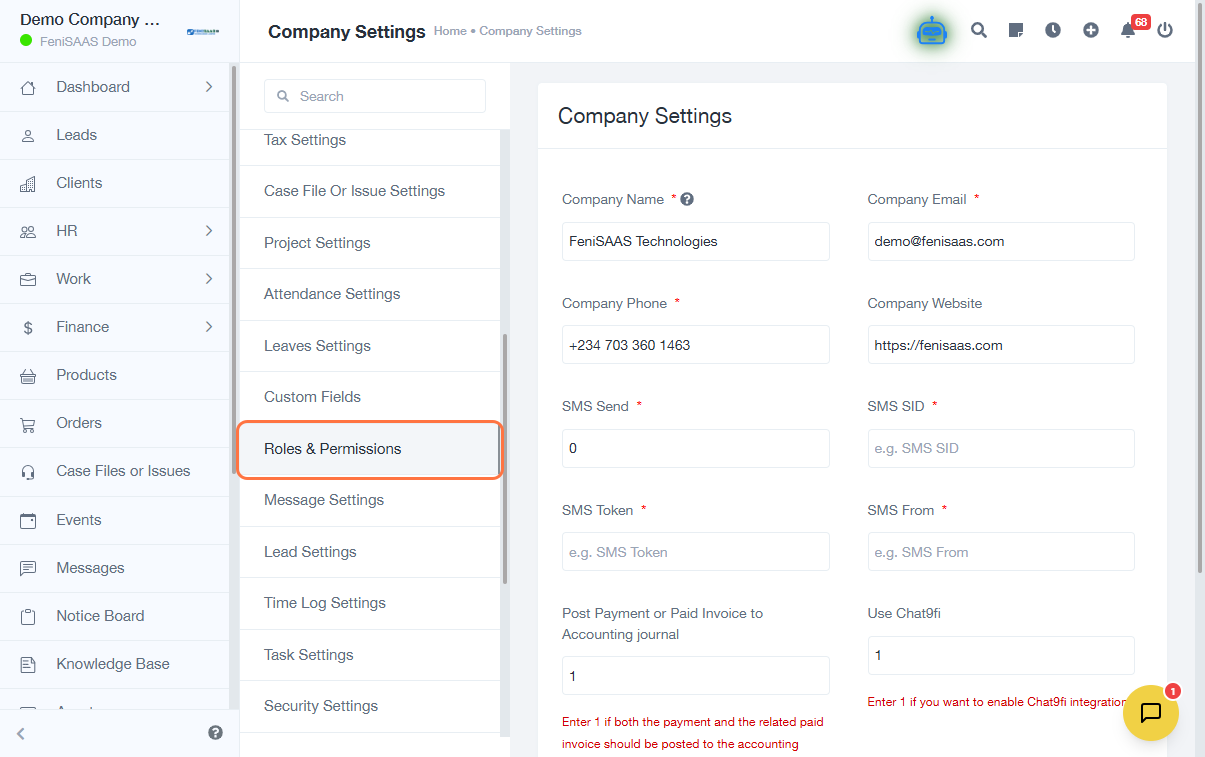
- Select Roles & Permissions
- Click on Manage Role
- Enter or edit the Role Name
- Select the appropriate role options
- Click Save
- Click on Permissions
- Select a Module
- Assign the required permissions for that module
- Save changes
Expected Result
Roles will be successfully created or updated, and users assigned to those roles will have the appropriate access permissions.
Common Errors
• Role name not entered
• Permissions not selected before saving
• Changes not saved properly
• Users not assigned to the updated role
• Insufficient admin access to modify roles
FAQs
• How do I create a new role in 925Worksuite?
Go to Settings → Roles & Permissions → Manage Role, enter a role name, and save.
• How do I assign permissions to a role?
Select the role, go to Permissions, choose a module, and assign access.
• Can I edit an existing role?
Yes, select the role, update the details, and save.
• Why are users not seeing changes in permissions?
Ensure the role is properly assigned, and changes are saved.