How to Update Profile Settings in Dashboard 925worksuite ERP
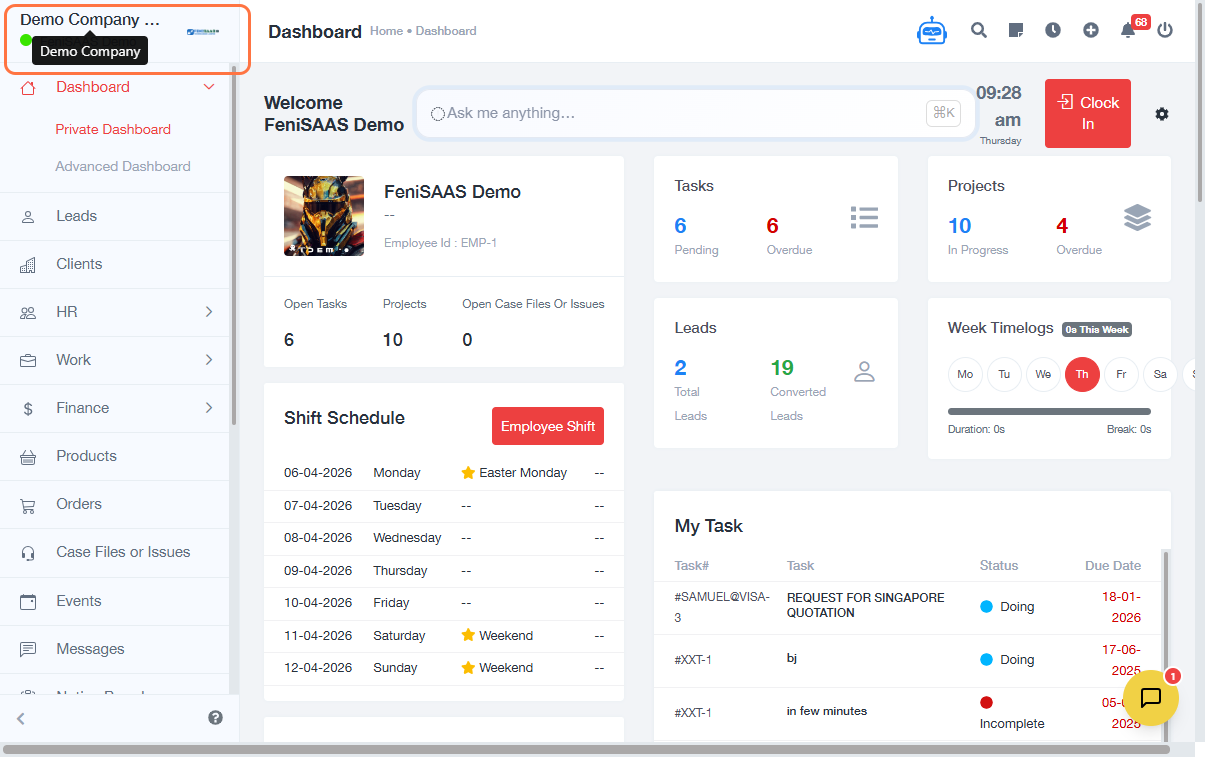
Overview
This guide explains how to update your profile settings in the dashboard, including changing your display mode, updating your email/password, and uploading a profile picture.
Steps
- Go to the Dashboard
- Click on your profile name at the top of the screen
- (Optional) Click on Dark Mode to switch your dashboard theme
- Click on Profile Settings
- Click on the Profile Picture section to upload or change your photo
-
Update your details:
- Edit your Email Address
- Enter a new Password if needed
- Click Save to apply your changes
Expected Result
Your profile settings will be successfully updated, including your profile picture, login details, and dashboard display preferences.
Common Errors
- Profile picture not uploading due to an unsupported file format
- Changes were not saved because the Save button was not clicked
- Invalid email format entered
- Weak or incomplete password update
FAQs
1. How do I change my dashboard to dark mode?
Click your profile name and toggle the Dark Mode option.
2. Can I update my email and password at the same time?
Yes, both can be updated in the Profile Settings section before clicking Save.
3. Why is my profile picture not uploading?
Ensure the file format is supported (e.g., JPG, PNG) and the file size is not too large.
4. Do I need to log out after updating my profile?
No, changes take effect immediately after saving.
5. Where can I find profile settings?
Click your profile name on the dashboard and select Profile Settings.