How to Update Case File Status on 925Worksuite ERP
1. Overview
This guide explains how to update the status of a case file in the Case Management module. Updating the status helps track progress, communicate resolution stages, and manage workflow efficiently.
2. Steps
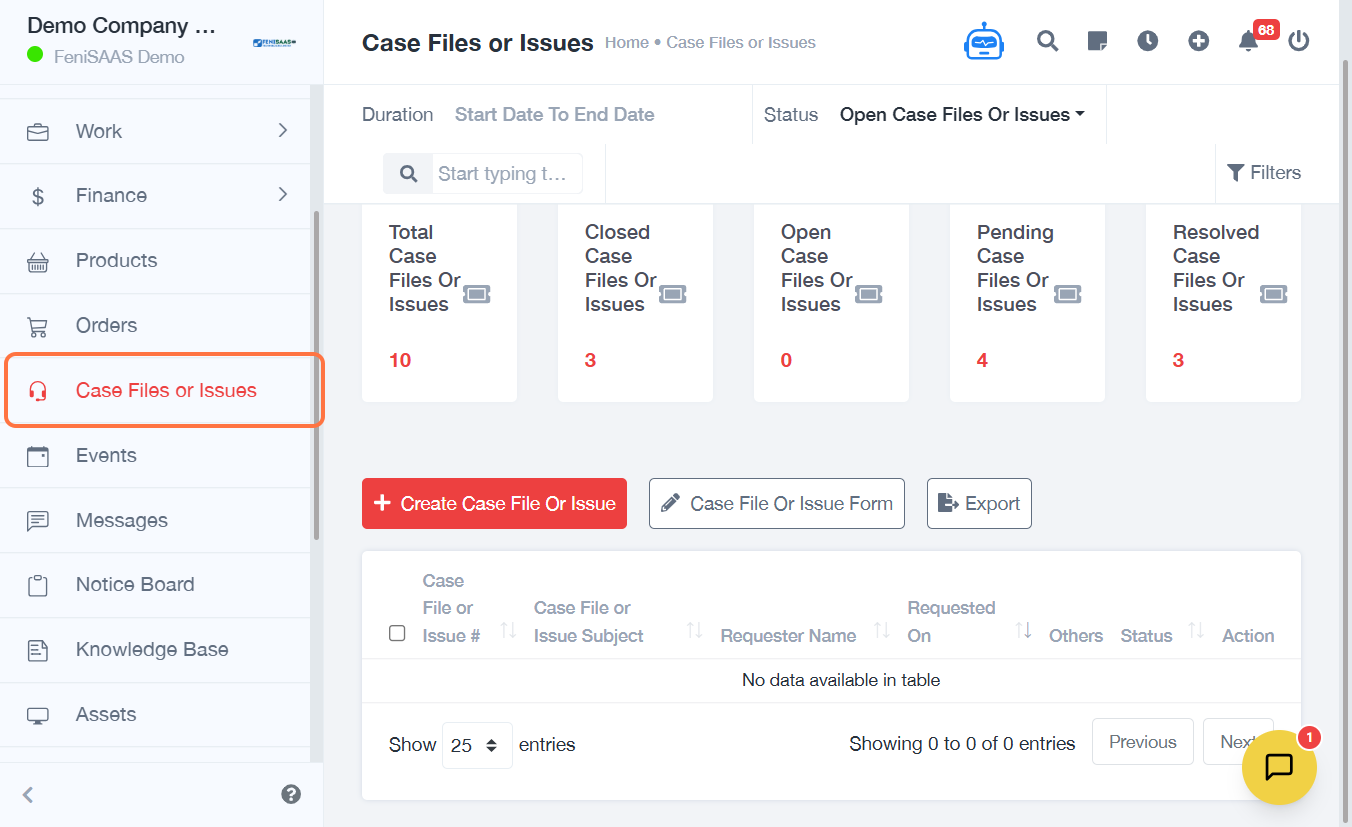
- Go to Case Files or Issues
- Locate the case and view the Status column
- Click on the status dropdown
- Select the appropriate status based on the progress of the issue
3. Expected Result
The case status will be successfully updated and reflected in the system, helping teams track the current stage of the issue.
4. Common Errors
- Status not updated due to insufficient permissions
- Incorrect status selected
- Changes not saved due to network issues
- Case not properly identified before updating
5. FAQs
How do I change the status of a case
file
Click on the status dropdown and select the appropriate option.
What status options are available
This depends on system configuration but may include open, in progress,
resolved, or closed.
Can I update the status multiple
times
Yes, the status can be updated as the case progresses.
Why is my status not updating
Check your permissions or ensure there is no network interruption.
Does updating status notify the
customer
This depends on system settings and notification configuration.