How to Use Live Chat on 925Worksuite ERP
1. Overview
This guide explains how to use the Live Chat feature in the system. Live Chat allows users to quickly communicate with support agents in real time for faster assistance.
2. Steps
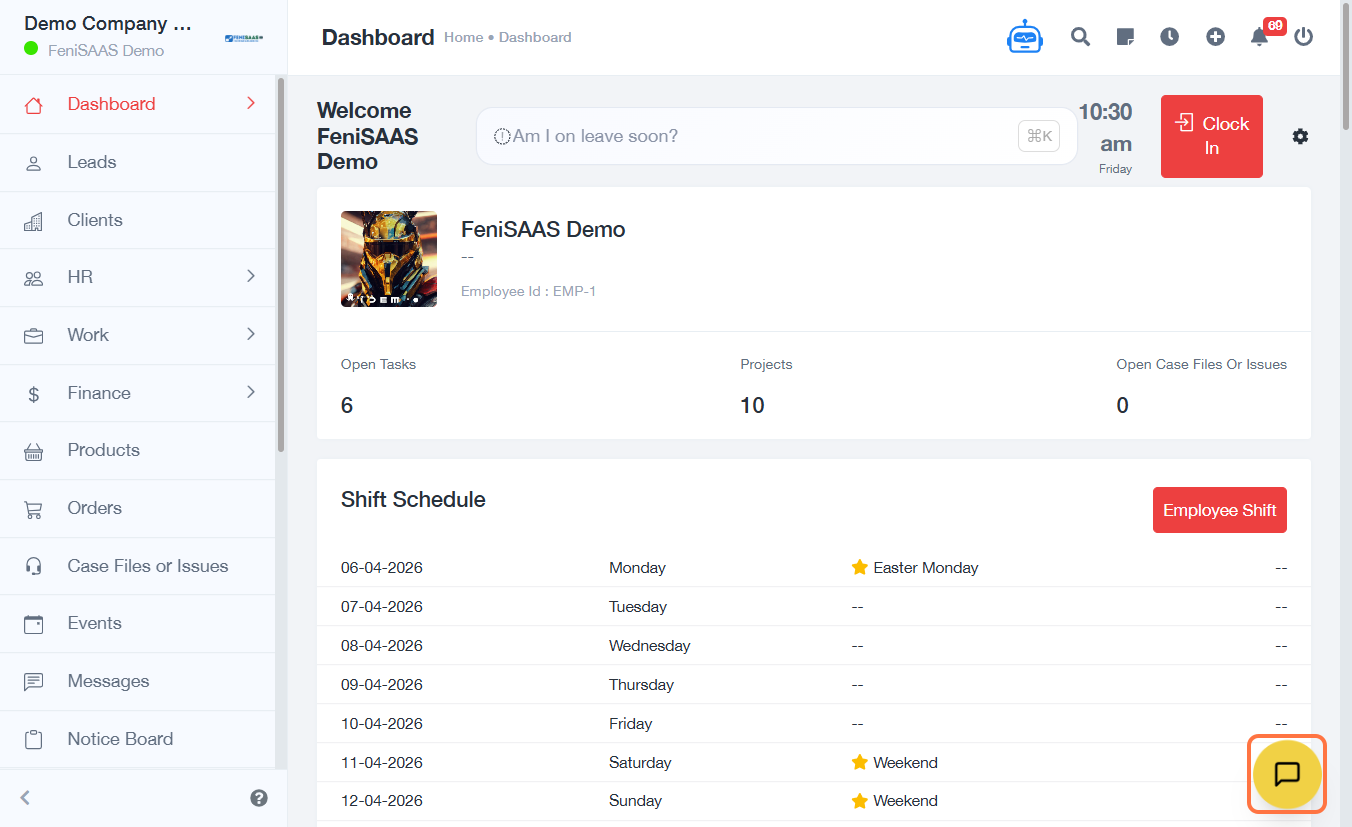
- Click on the chat widget to open Live Chat
- Type your message in the text field
- Click on Send message
3. Expected Result
Your message will be sent instantly, and a support agent will respond through the chat interface.
4. Common Errors
- Chat widget not opened before typing
- Message not sent due to network issues
- Empty message field
- Delayed response due to agent availability
5. FAQs
How do I start a live chat
Click on the chat widget, type your message, and send it.
Do I need to be logged in to use
live chat
This depends on system configuration.
Why is my message not sending
Check your internet connection or ensure the message field is not empty.
How long does it take to get a
response
Response time depends on agent availability.
Can I send multiple messages
Yes, you can continue the conversation in real time.