Add Credit Note in 925worksuite ERP
Overview
This guide explains how to add a credit note to an existing invoice in the Finance module. A credit note is used to adjust or reduce the amount owed by a client due to refunds, discounts, or corrections.
Steps
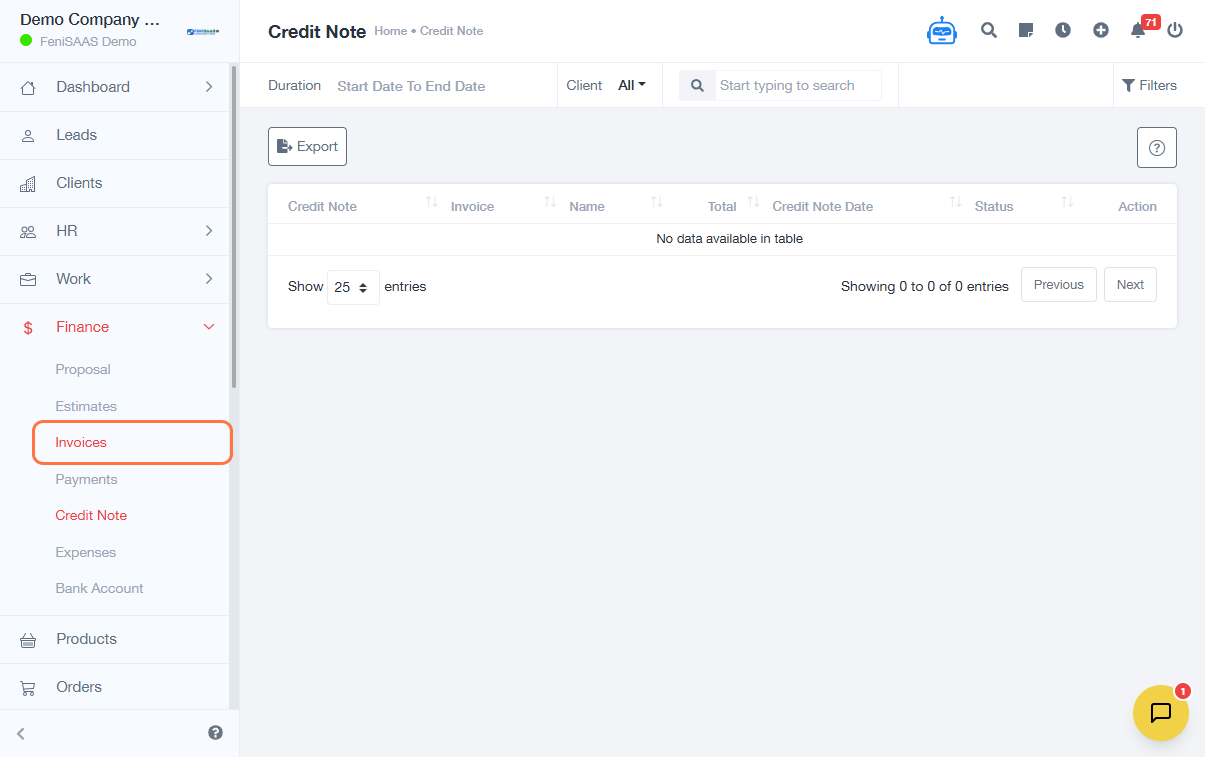
- Go to Finance
- Click on Invoices
- Open the specific invoice you want to apply the credit note to
- Click on Add Credit Note
-
Fill in the required details:
- Select Credit Note Date
- Enter Description
- Input Unit Price
-
Click on Note for Recipient (optional)
- Add any relevant message or explanation
- Click Save
Expected Result
The credit note will be successfully created and linked to the selected invoice, reducing the total payable amount accordingly.
Common Errors
- Missing required fields (e.g., date or amount)
- Incorrect unit price values
- Not selecting the correct invoice before adding the credit note
- Forgetting to save after entering details
FAQs
1. Can I edit a credit note after saving?
Yes, depending on system permissions, you can edit or update the credit note.
2. Will the credit note automatically reduce the invoice amount?
Yes, the system adjusts the invoice balance once the credit note is saved.
3. Can I add multiple credit notes to one invoice?
Yes, multiple credit notes can be applied if needed.
4. Is the note for recipient mandatory?
No, it is optional but recommended for clarity.