How to Send Message in Messaging Module 925worksuite ERP
Overview
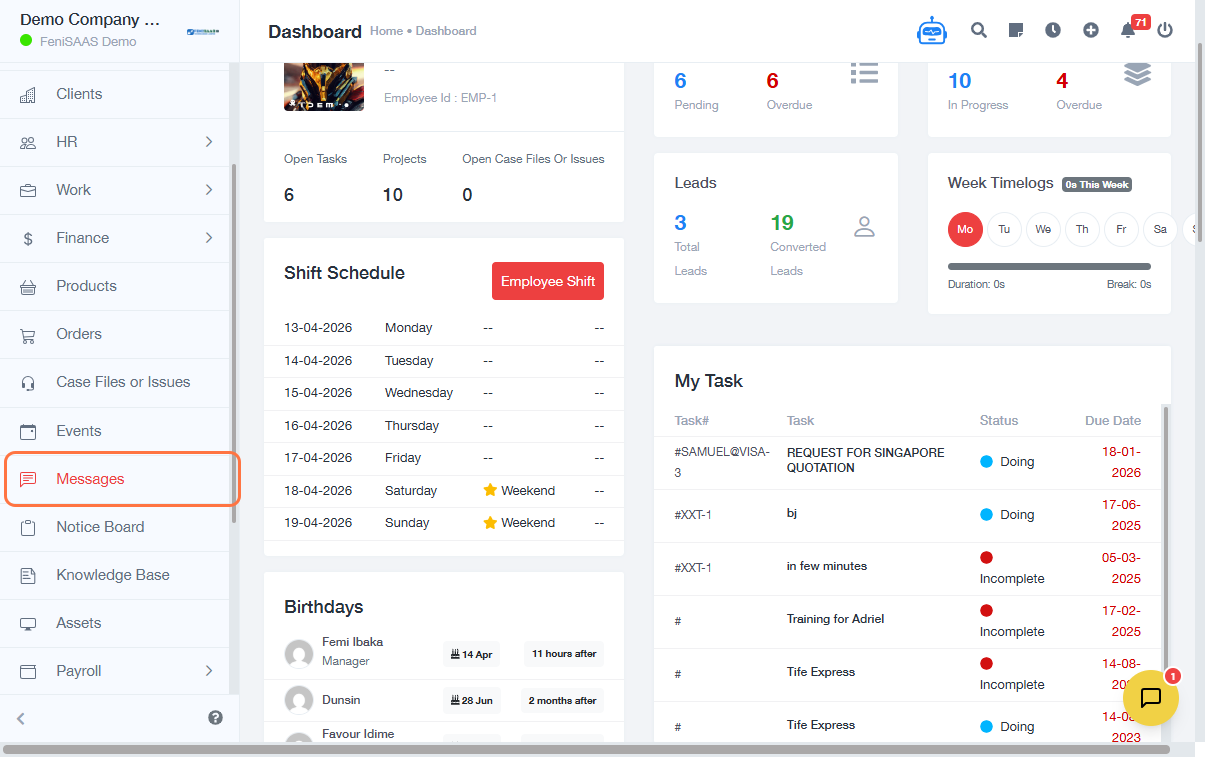
This guide explains how to send a message in the Messaging module. Users can start a new conversation, compose messages, and communicate with other users within the system.
Steps
- Go to Messages
- Click on New Conversation
- Select a recipient (if required)
- Type your message in the Message field
- Click Send
Expected Result
👉 Your message will be successfully sent and visible in the conversation thread.
Common Errors
- Not selecting a recipient before sending
- Sending an empty message
- Network issues are preventing message delivery
- Lack of permission to message certain users
- Clicking outside the message field without sending
FAQs (Search Boost Section)
1. How do I send a message in the system?
Go to Messages, start a new conversation, type your message, and click Send.
2. Can I message multiple users?
This depends on system configuration (group messaging availability).
3. Why is my message not sending?
Check your internet connection and ensure a recipient is selected.
4. Can I view previous messages?
Yes, all messages are available in the conversation thread.
5. Do I need to start a new conversation every time?
No, you can continue existing conversations.