How to Make Product Stock Transfers in Inventory (Accounting Pro)
Overview
This guide explains how to transfer product stock between locations or stores within the system. Stock transfers help maintain accurate inventory levels across different warehouses or branches.
Steps
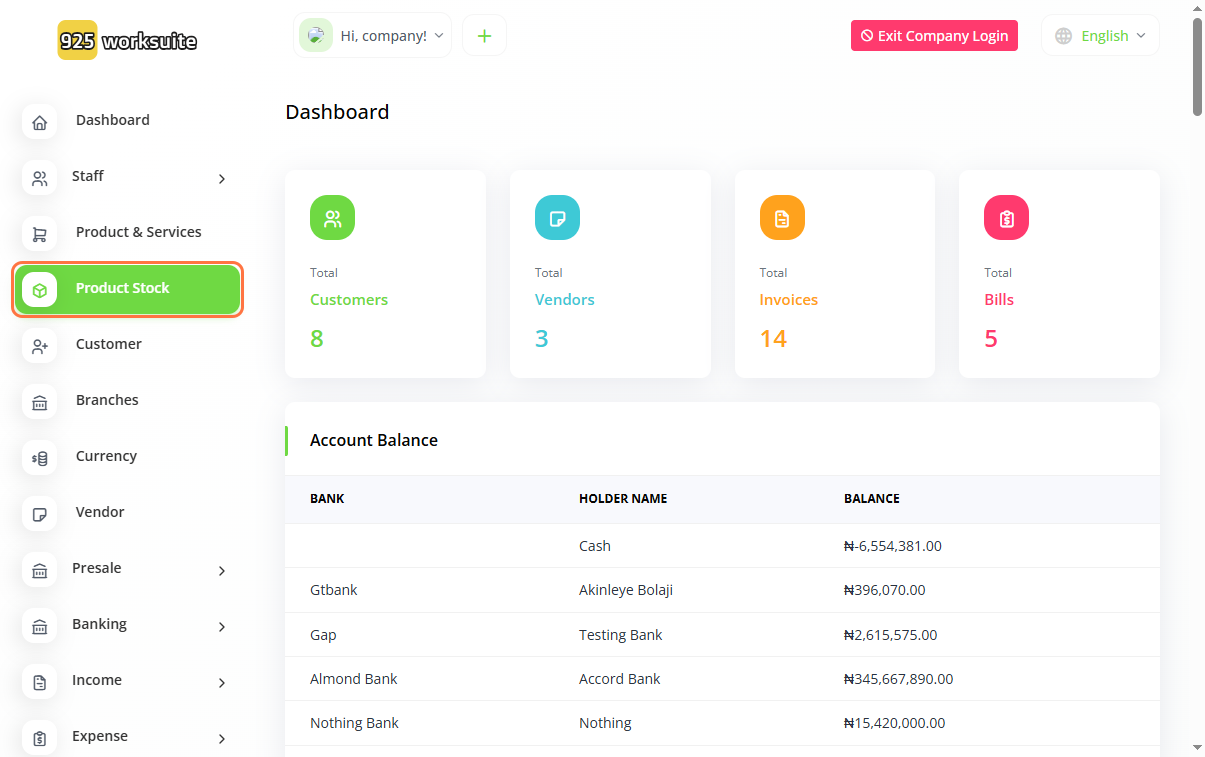
- Go to Product Stock
- Select a product or click on the relevant stock link
-
Add product quantity:
- Click on Add Quantity
- Select Product
- Click Save
- Open the stock options again
- Click on Make Transfer
-
Select transfer locations:
- Choose From (source location)
- Choose To (destination location)
-
Enter transfer details:
- Input Quantity
- Select Product
- Click Save
Expected Result
The product stock will be successfully transferred from one location to another, and inventory levels will be updated accordingly.
Common Errors
- Not selecting the correct source or destination location
- Entering a quantity higher than available stock
- Not selecting the correct product
- Forgetting to save after entering transfer details
- Attempting transfer without adding stock first
FAQs
1. How do I transfer stock between locations?
Use the Make Transfer option and select the source and destination locations.
2. Can I transfer stock without adding quantity first?
No, the product must have available stock before transfer.
3. What happens if I transfer more than available stock?
The system may prevent the transfer or show an error.
4. Can I reverse a stock transfer?
You may need to perform another transfer in reverse or adjust stock manually.
5. Why is my transfer not reflecting?
Ensure you clicked Save and selected correct locations and quantity.