How to Set Up Salary Structure in Payroll Settings (925Worksuite ERP )
Overview
This guide explains how to set up a salary structure in the system by creating salary components, grouping them, and configuring payroll currency. This setup ensures consistent and accurate payroll processing across employees.
Steps
A. Access Payroll Settings
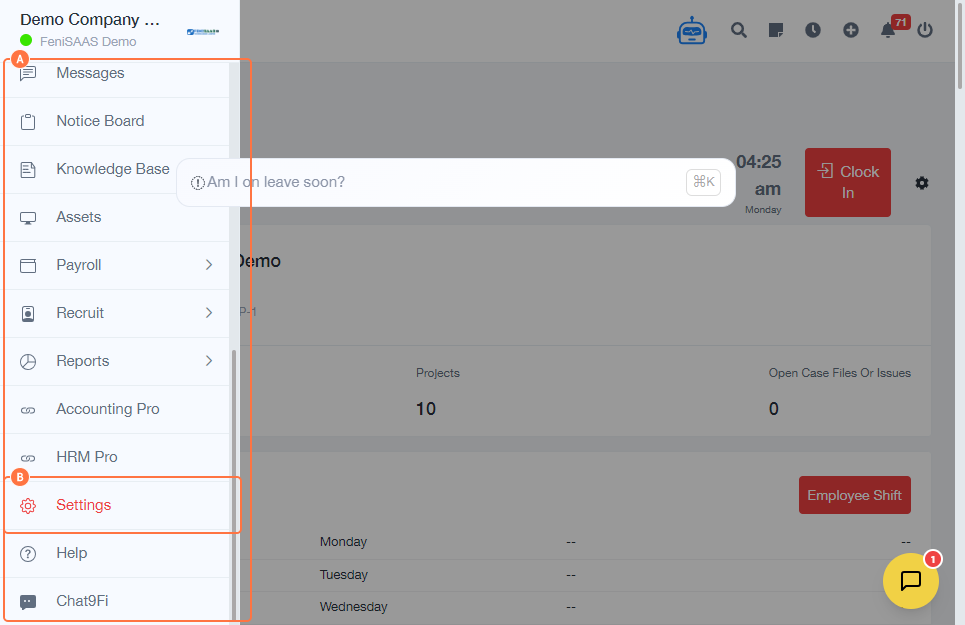
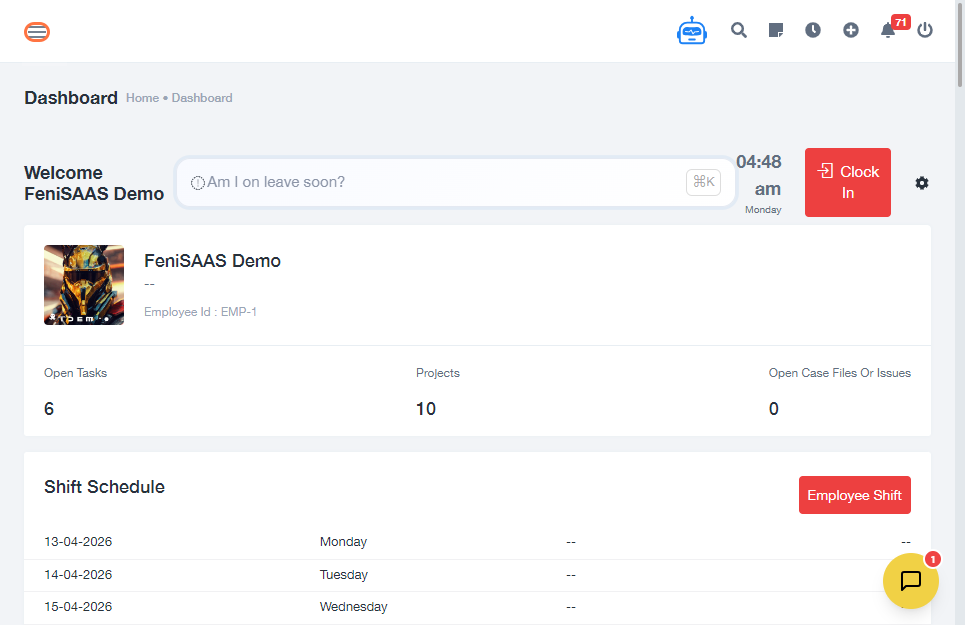
- Go to the Dashboard
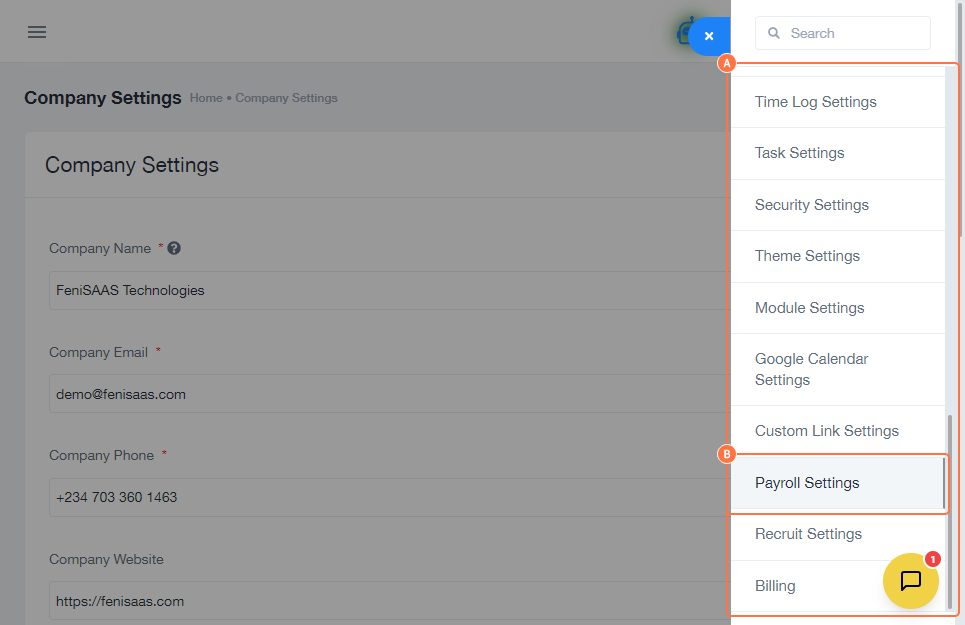
- Navigate to Settings
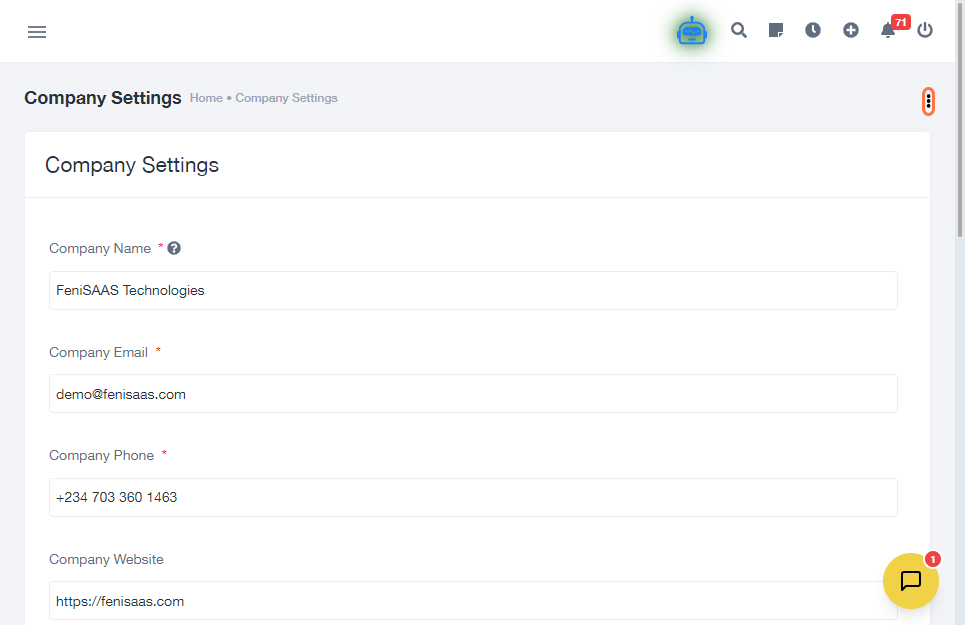
- Click on Company Settings
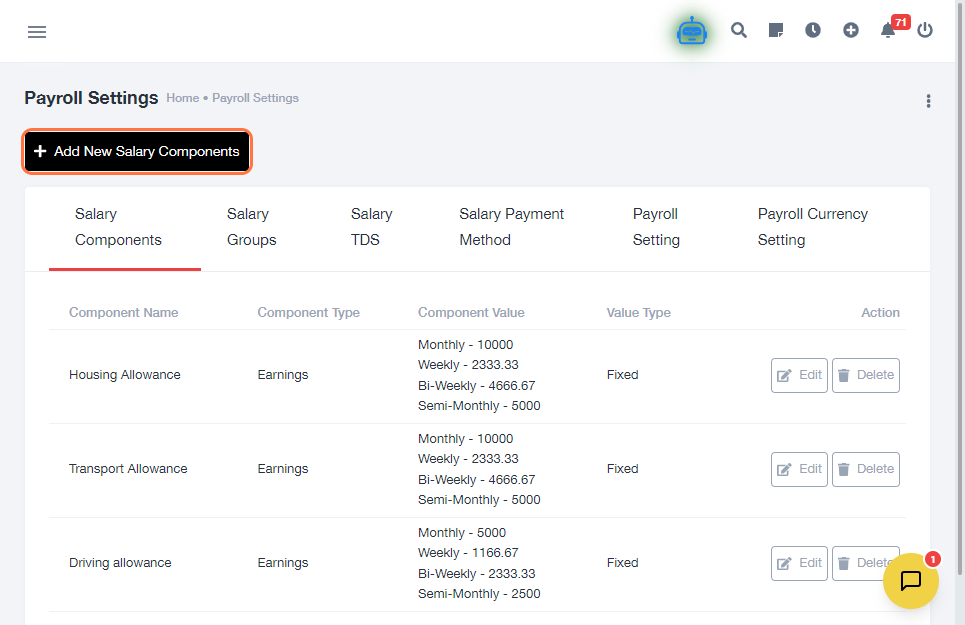
- Select Payroll Settings
B. Create Salary Components
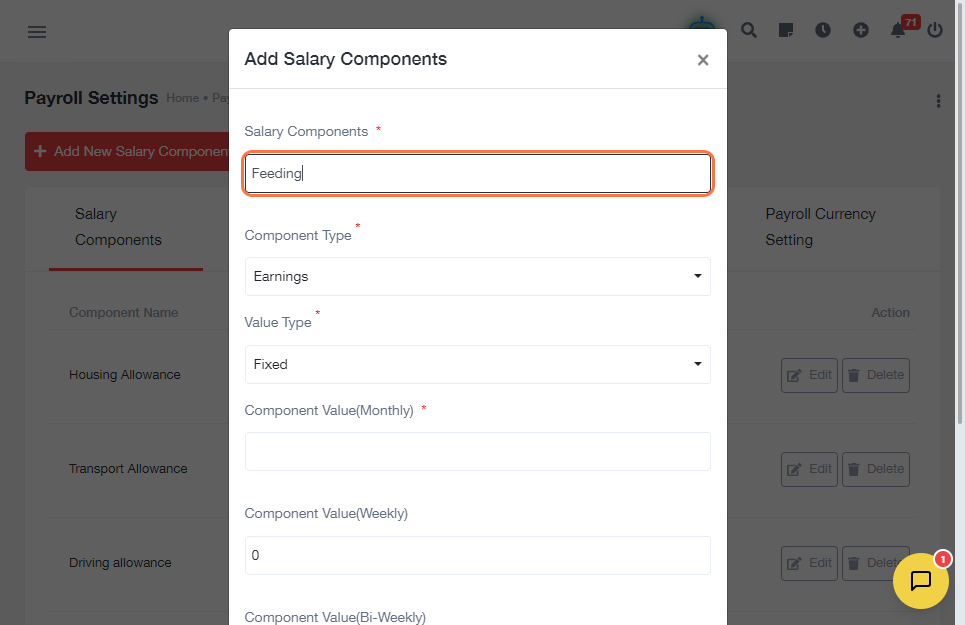
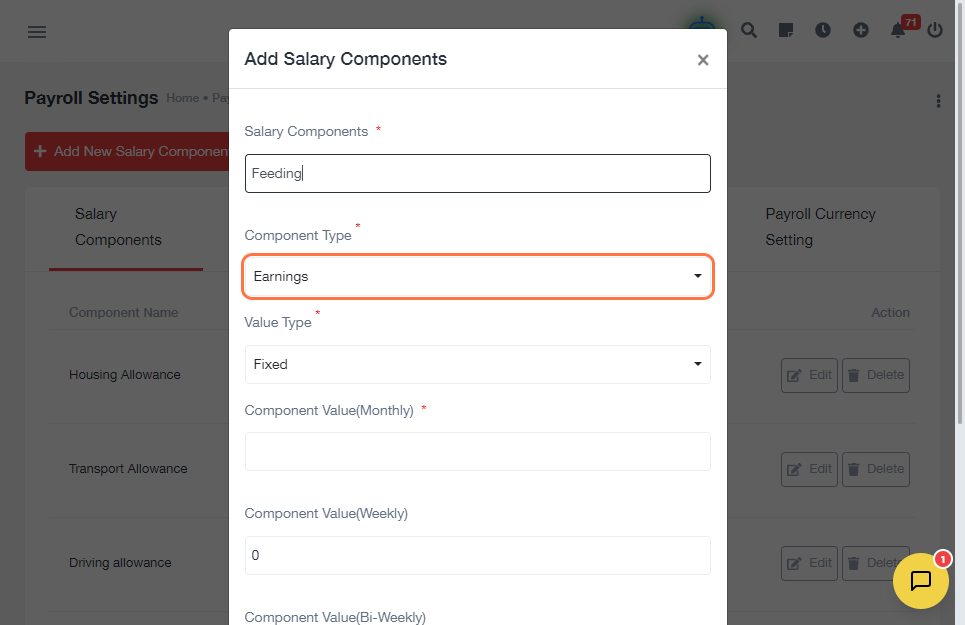
- Click on Add New Salary Components
- Enter Salary Component Name (e.g., Basic Salary, Allowance, Tax)
- Select Component Type (e.g., earning or deduction)
-
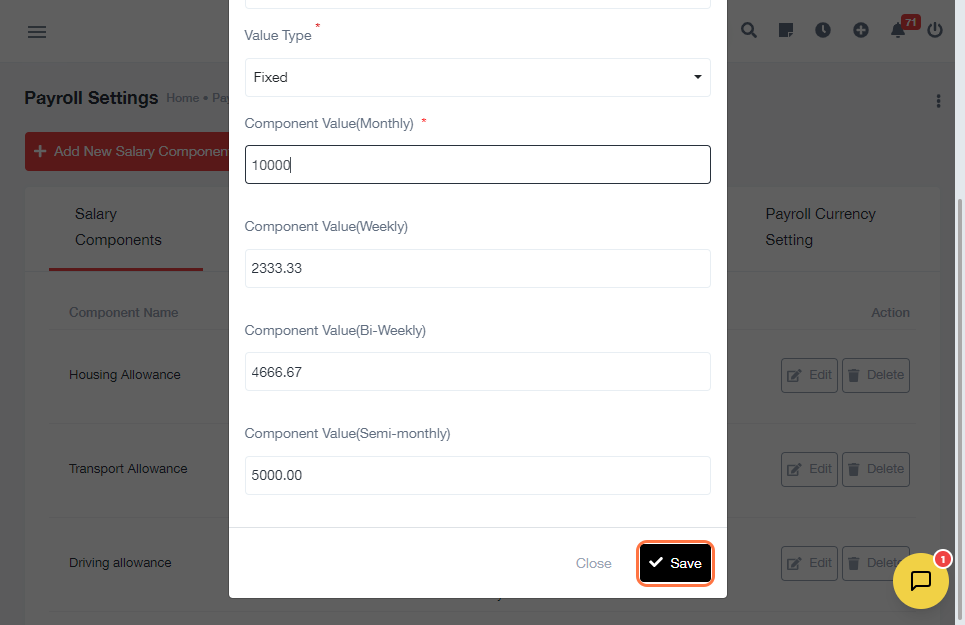
Configure values:
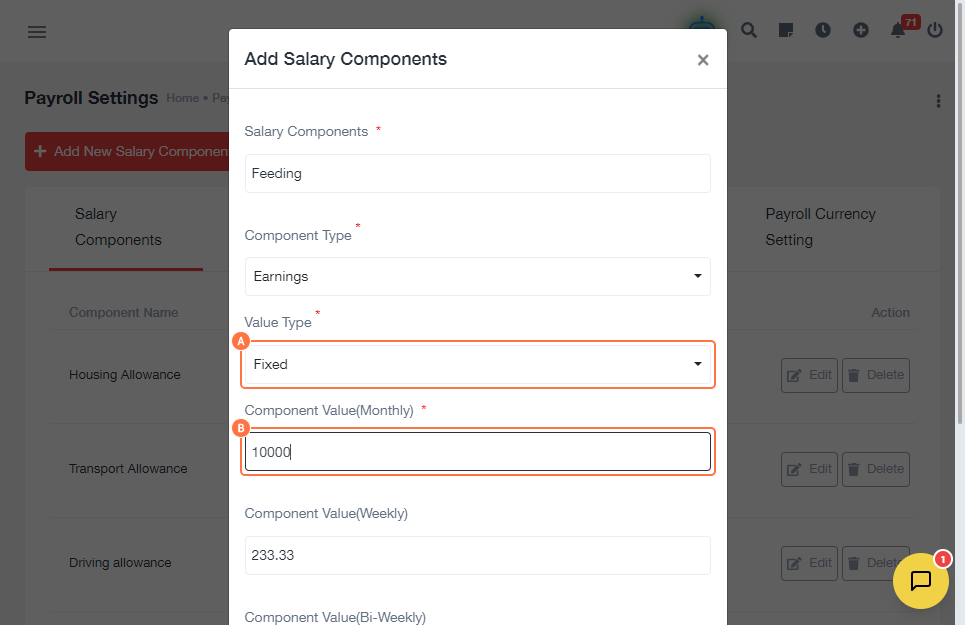
- Select Value Type
- Enter Component Value (Monthly)
- Click Save
C. Create Salary Group
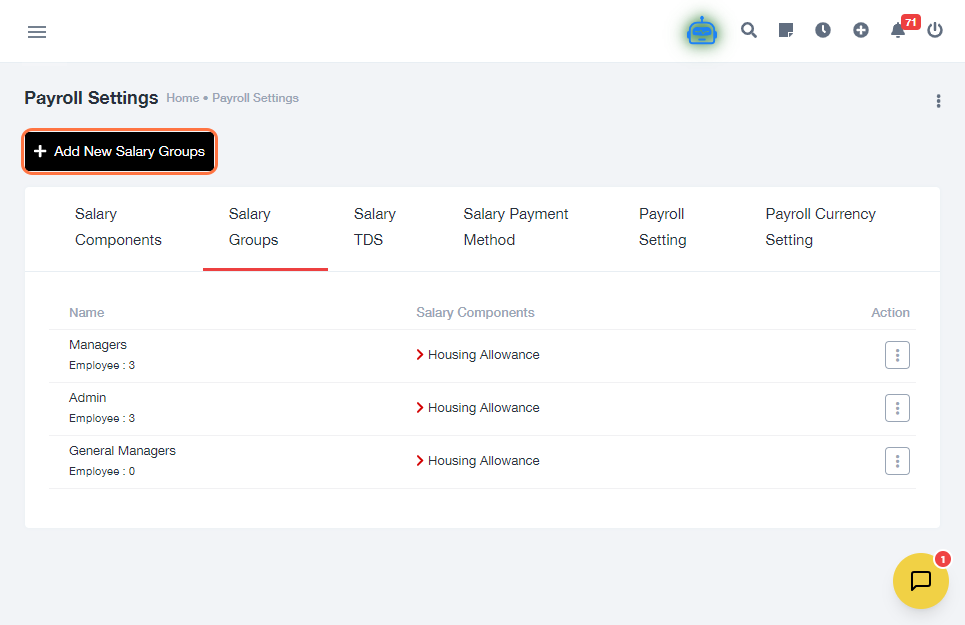
- Click on Add New Salary Groups
- Configure the group:
- Enter Group Name
- Select relevant Salary Components
- Click Save
D. Set Payroll Currency
- Click on Payroll Currency Setting
- Select Salary Currency (e.g., ₦ NGN)
- Click Save
Expected Result
The salary structure will be successfully configured with defined components, grouped salary structure, and currency settings ready for payroll processing.
Common Errors
- Not saving salary components before creating groups
- Selecting incorrect component type (earning vs deduction)
- Entering wrong value type or amount
- Forgetting to assign components to a salary group
- Not setting payroll currency
FAQs (Search Boost Section)
1. How do I create a salary structure?
Create salary components, group them, and set payroll currency in Payroll Settings.
2. What are salary components?
They are individual parts of a salary such as basic pay, allowances, and deductions.
3. Can I edit salary components later?
Yes, you can update or modify components anytime.
4. What is a salary group?
A salary group is a collection of components assigned to employees.
5. Why is payroll currency important?
It ensures salaries are processed in the correct currency.