How to Search and Select Employees in Employee Management (925Worksuite ERP )
Overview
This guide explains how to quickly search and select employees within the HR module. It helps you locate staff using names, designations, or filters for efficient employee management.
Steps
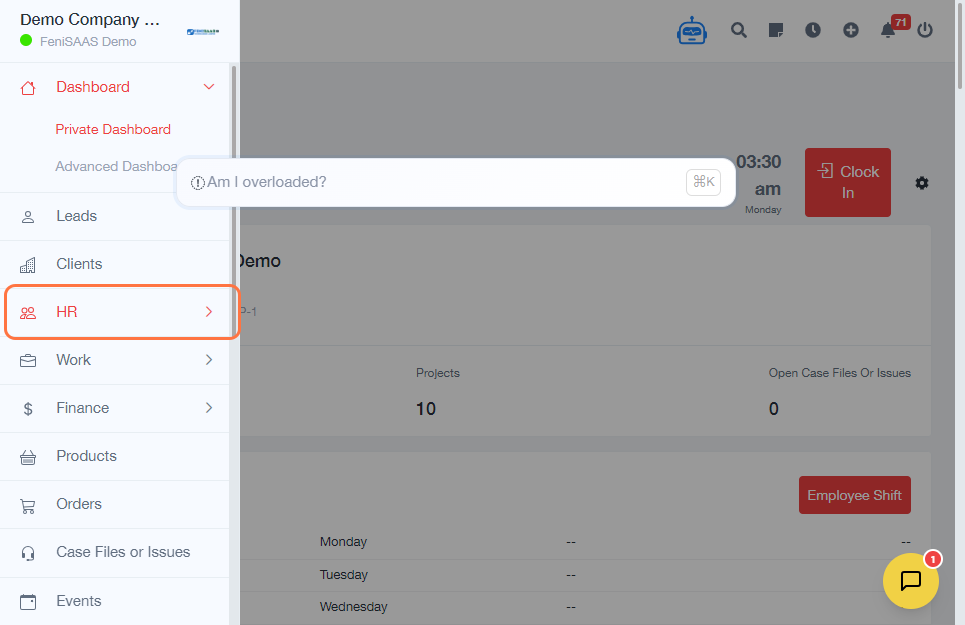
- Go to the Dashboard
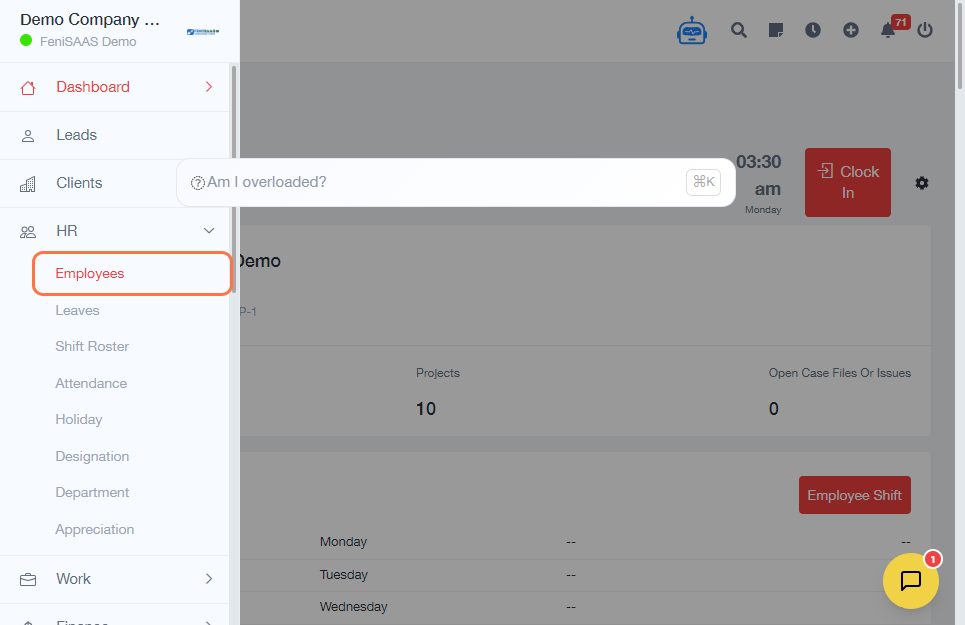
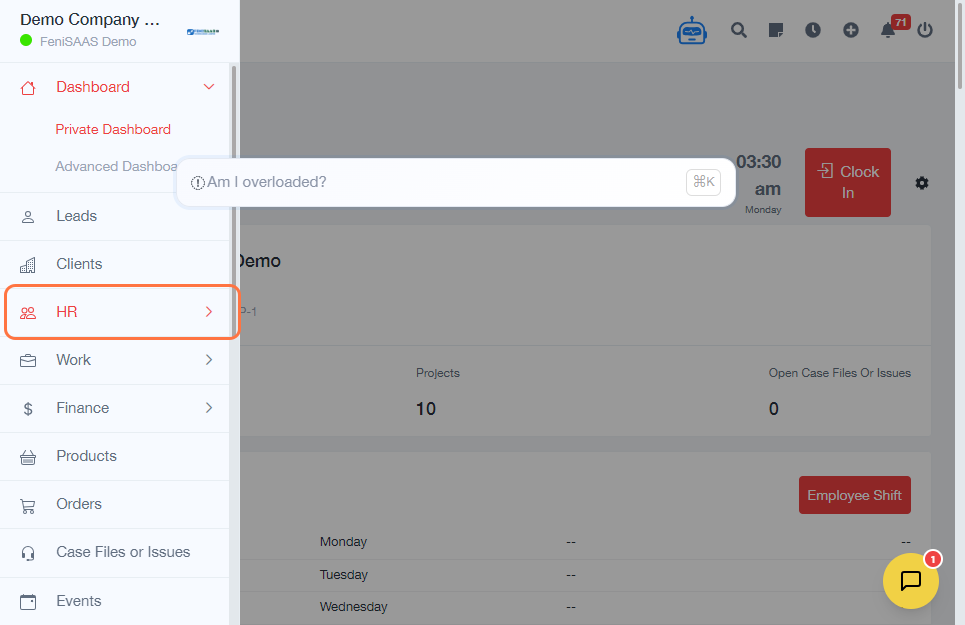
- Click on HR from the sidebar
- Click on Employees
-
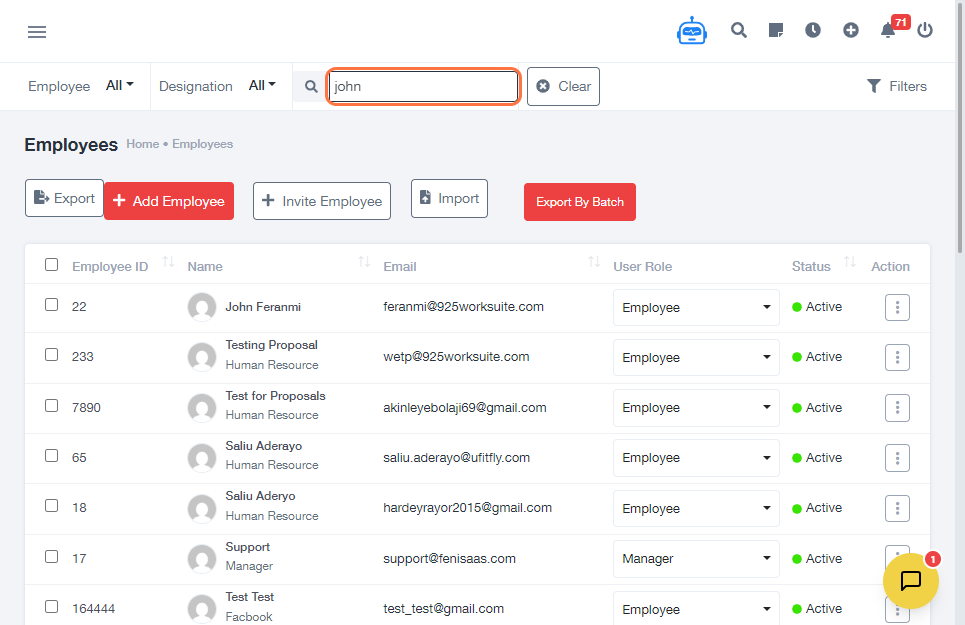
Search for employees:
- Type the employee name directly in the search bar
-
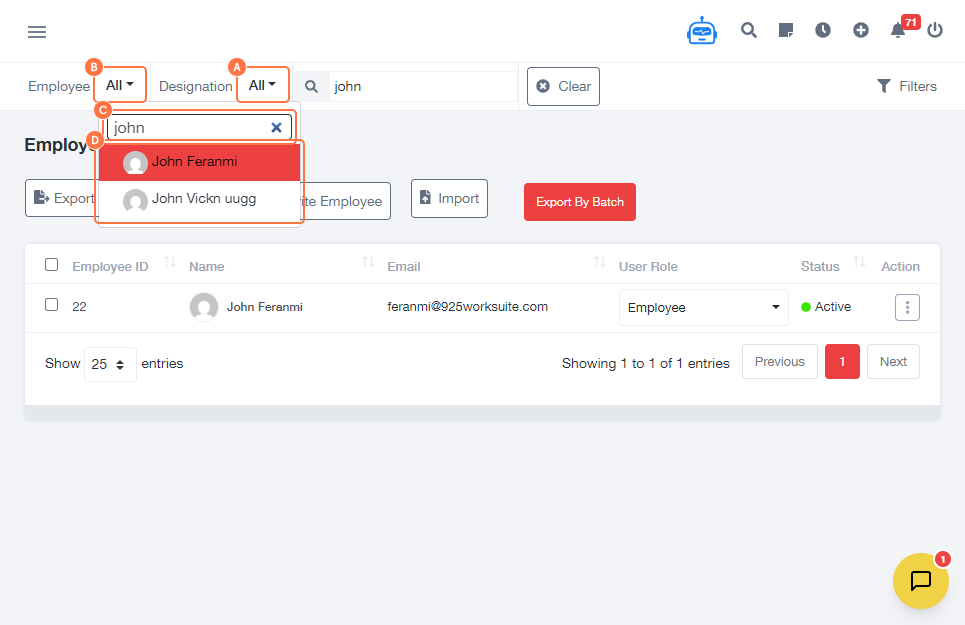
Use advanced search options if needed:
- Click on Designation to filter by role
- Click on Employee field and type the employee name
- Click Search
- Select the desired employee from the results
Expected Result
The system displays matching employees based on your search criteria, and you can successfully select the intended employee.
Common Errors
- No results found due to incorrect spelling of employee name
- Filters not applied correctly (e.g., wrong designation selected)
- Employee not appearing due to inactive or missing records
- Search not refreshed after changing criteria
FAQs
1. Can I search for employees by name?
Yes, simply type the employee’s name in the search bar.
2. Can I filter employees by designation?
Yes, use the designation filter to narrow down results.
3. Why is my employee not showing in search?
Check spelling, filters, or confirm the employee exists in the system.
4. Can I search using partial names?
Yes, partial names can return matching results.
5. What should I do if search is not working?
Refresh the page or adjust your filters and try again.