How to Import Contacts in Contacts Management (MSM - Marketing and Sales Machine)
1. Overview
This guide explains how to add single or multiple contacts in MSM. You can manually create a contact or import multiple contacts using a CSV file for bulk upload.
2. Steps
A. To Add a Single Contact
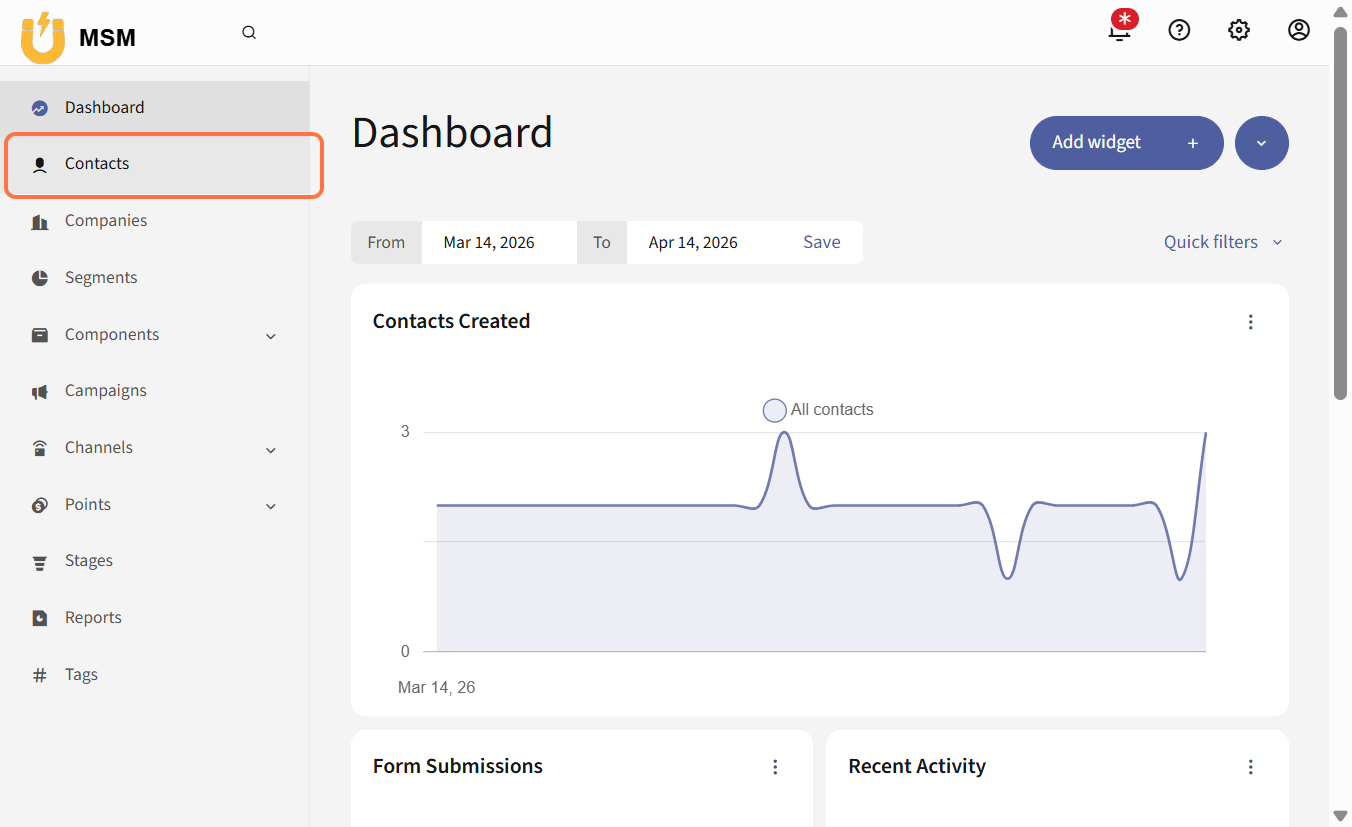
- Go to Contacts
- Click on New
- Upload a profile image if required
- Enter the contact name
- Fill in the required details, such as email and company
- Enter the address and other necessary information
- Select gender if applicable
- Click Save and Close
B. To Import Multiple Contacts
- Go to Contacts
- Click on Import multiple contacts
- Upload the CSV file containing contact details (maximum size 2MB)
- Match the fields in the file with the system fields
- Click Upload
- Click Back to index
3. Expected Result
Contacts will be successfully added to the system either individually or in bulk, and will be available for marketing and communication activities.
4. Common Errors
- Invalid or unsupported CSV file format
- File size exceeds 2MB limit
- Missing required fields in the file
- Incorrect field mapping during import
- Duplicate contact entries
- Network interruption during upload
5. FAQs
How do I import contacts in MSM?
Use the import multiple contacts option and upload a properly formatted CSV file.
Can I add contacts manually
Yes, use the New button to add a single contact.
What file format is required for bulk import
CSV format is required for importing multiple contacts.
Why is my contact import failing
Check file format, required fields, and ensure correct field mapping.
Can I upload large contact lists
Yes, but the file must not exceed the 2MB limit.