How to Add a New Unit For Product in Finance Settings 925Worksuite ERP
Overview
This guide explains how to create and add a new unit in the Finance Settings module. Units are used to define measurement standards for products and services (e.g., pieces, kilograms, hours) within the system.
Steps
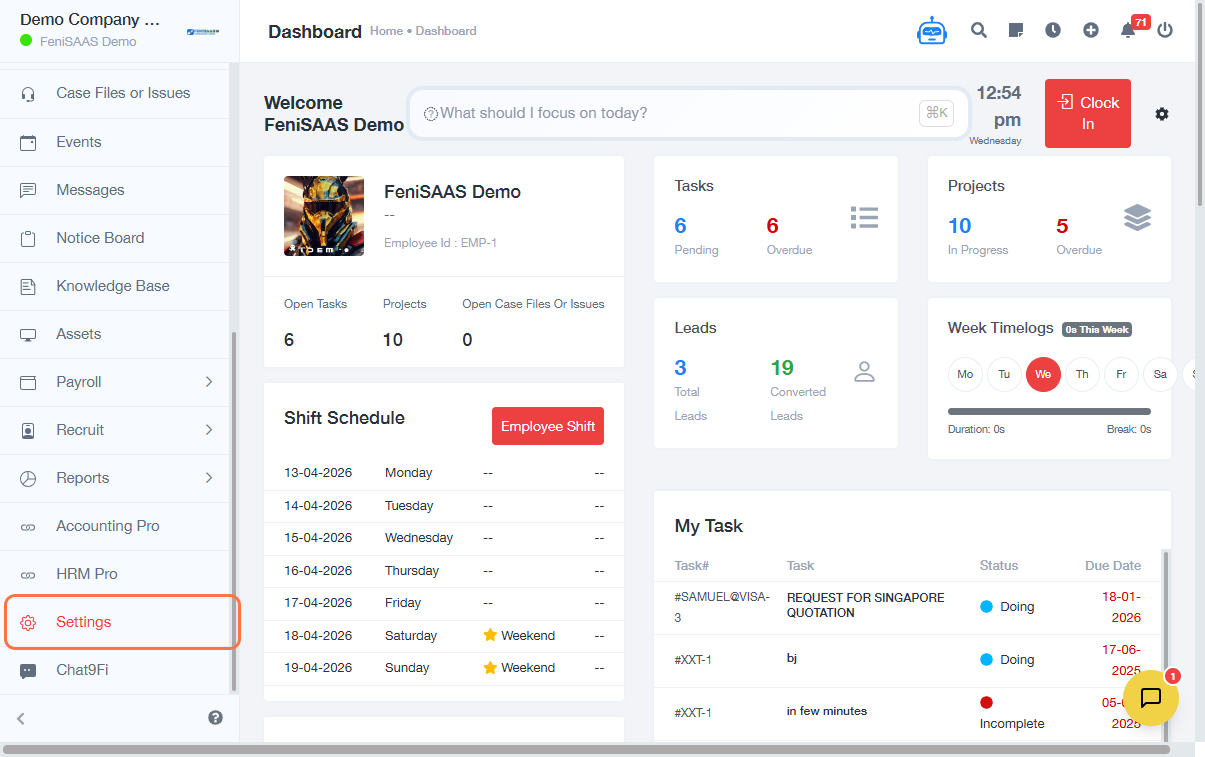
- Go to the Dashboard
- Click on Settings
- Select Finance Settings
- Click on Units
- Click Add New Unit
- Select or enter the Unit Type
- Click Save
Expected Result
The new unit will be successfully added and available for use across finance-related transactions such as invoicing, products, and billing.
Common Errors
-
Unit type not selected
→ Ensure you choose or input a valid unit before saving -
Duplicate unit entry
→ Avoid creating units that already exist -
Unsaved changes
→ Always click Save to confirm the setup
FAQs
1. What is a unit used for?
Units define how items are measured (e.g., per item, per hour, per kg) in financial transactions.
2. Can I edit a unit after creating it?
Yes, existing units can be modified from the Units list in Finance Settings.
3. Can I delete a unit?
This depends on system permissions and whether the unit is already in use.
4. Why is my unit not showing in invoices?
Ensure the unit was saved correctly and is assigned to the relevant product or service.