Knowledge Article
How to Update Client Account Details in 925orksuite ERP
0
0
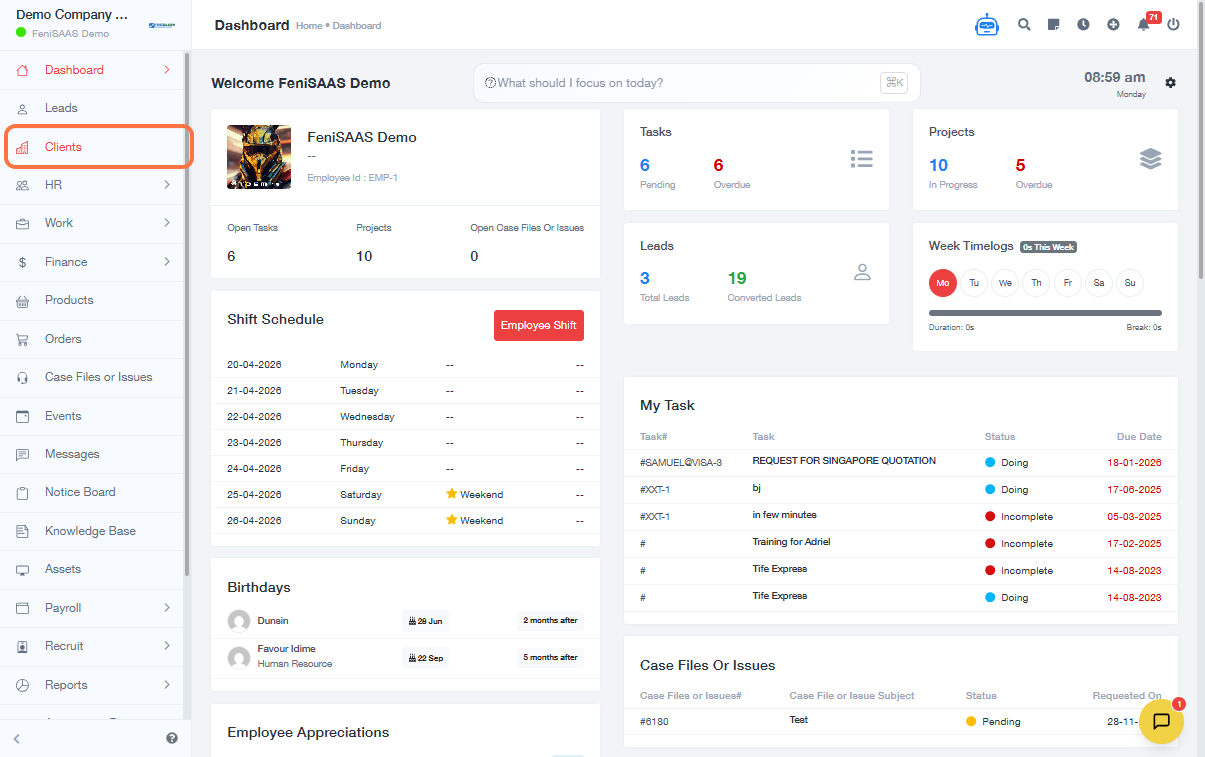
Overview
This guide explains how to update or edit existing client account details in the 925Worksuite ERP. This allows you to keep client information accurate, including contact details, company data, and other relevant records.
Steps
- Go to the Clients module
- Locate the client you want to update
- Click on the three dots (⋮) at the end of the client’s name
- Select Edit from the dropdown menu
- Update the required client details (e.g., name, email, phone, company information)
- Click Save
Expected Result
The client’s account details will be successfully updated and reflected across the system.
Common Errors
-
Edit option not visible
→ Ensure you have the required permissions -
Changes not saved
→ Confirm you clicked the Save button before exiting -
Incorrect client updated
→ Double-check the selected client before editing -
Missing required fields
→ Ensure all mandatory fields are filled before saving
FAQs
Q1: Can I update client details after creation?
Yes, client information can be edited anytime.
Q2: Will updates affect existing transactions?
No, updates will not alter records but will apply moving forward.
Q3: Can I edit multiple clients at once?
No, updates must be done individually per client.
Q4: Why can’t I see the edit option?
You may not have sufficient permissions—contact your system administrator.