Enable More Than One Person to Approve Leave Requests in 925WorkSuite ERP
Overview
This guide explains how to configure leave approval settings in 925WorkSuite ERP so that multiple people can participate in approving employee leave requests. By enabling the Pre-Approve option for the Reporting Manager, an additional approval layer can be added to the leave workflow.
Steps
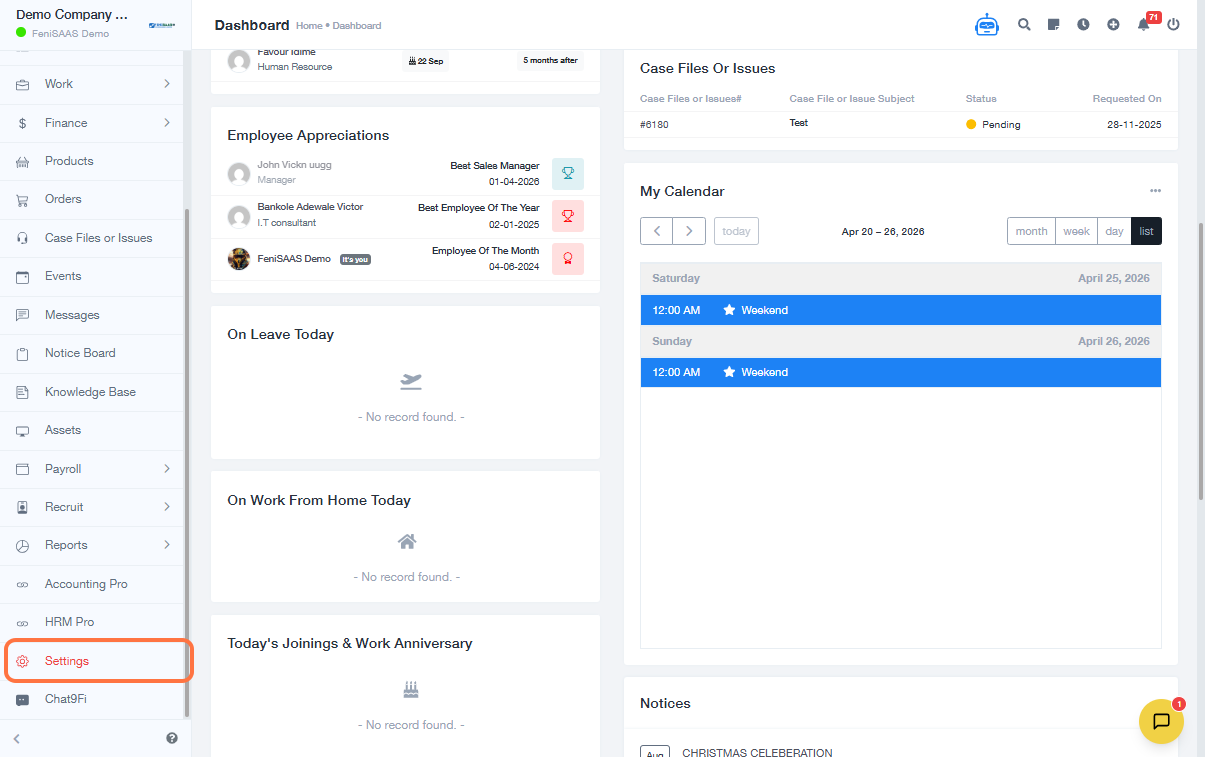
- Navigate to Settings from the main menu.
- Select Leaves Settings.
- Open Leaves General Settings.
- Locate the option labeled Reporting Manager can.
- Click the dropdown menu beside it.
- Select Pre-Approve from the available options.
- Save the changes if prompted.
Expected Results
- The Reporting Manager can now pre-approve leave requests before final approval.
- Leave requests can pass through multiple approvers instead of only one approval stage.
- Organizations can implement a more controlled and structured leave approval workflow.
FAQs
1. What does Pre-Approve mean in leave settings?
Pre-Approve means the Reporting Manager reviews and gives initial approval before the leave request moves to the final approver.
2. Can more than two people approve a leave request?
This depends on your organization’s workflow configuration and available approval settings within the ERP.
3. Who can change leave approval settings?
Only users with administrative or authorized HR settings access can usually make these changes.
4. Will this affect existing leave requests?
Usually, new settings apply to future leave requests. Existing requests may continue under the previous workflow depending on system setup.
5. Can I disable multiple approvals later?
Yes, you can return to Leaves General Settings and change the approval option whenever required.